September 29, 2026 · 5 min read
Test an apartment inquiry form on mobile through a confirmed tour
Follow a mobile apartment inquiry from advertisement to receipt and tour confirmation, recording errors, accessibility issues, and real next steps.
By the AdvisorPPC Team · Reviewed by Claude
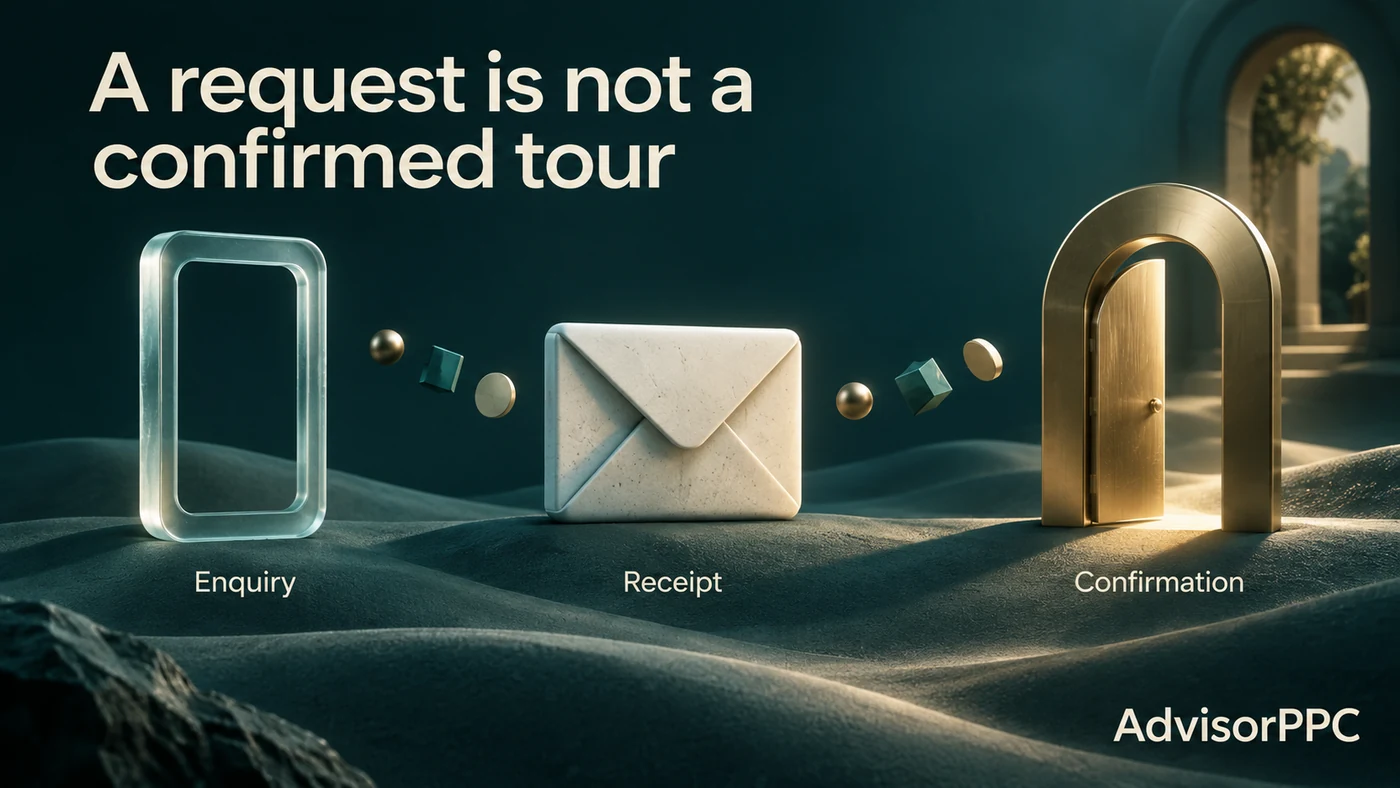
A mobile apartment inquiry is complete only when the visitor understands what happened and what comes next. A button click, a loading spinner and a form submission are different states. If the page says a tour is booked while the leasing team still needs to confirm it, the experience creates confusion even when the software accepts the form.
Test the journey from the advertisement to the actual confirmation process. Use an authorized test procedure and safe test data. The aim is to discover where a suitable visitor loses the ability to continue, receives an inaccurate message, or cannot reach the leasing team.
Write the expected journey before testing
Name the destination, the action the form performs, the system receiving the request, and the person responsible for confirming a tour. Record whether the visitor selects a real available slot or merely suggests a preferred time.
This distinction controls the receipt message. “We received your request” is appropriate when availability still needs checking. “Your tour is confirmed” requires an actual confirmation. Avoid measuring the first state as though it establishes the second.
Use our guide Google Ads Message Match: From Query to Landing Page to compare the advertised promise with the destination and final message.
Begin with a fresh phone session
Use a first-time visit without saved personal information, an account login or previously accepted site choices. Test at the width your visitors actually use. Include a slower connection and a browser that does not have the developer's existing cookies.
Find the unit information, price conditions and inquiry control. Check whether overlays obscure the next step. Increase text size and confirm that important content remains readable. The web.dev guide to Responsive web design basics explains how content can adapt to narrow views.
A wide diagnostic spreadsheet is useful internally, but the public page should not force a visitor to pan sideways to understand appointment conditions.
Exercise the form deliberately
Try a valid submission, a missing required field, an invalid contact format and a preferred time that is no longer available. Observe where the message appears and whether the visitor can identify the correction.
Check whether the on-screen keyboard covers the submit button. Review whether labels remain visible after a value is entered. Confirm that the visitor can move through the form using accessible navigation, rather than relying on color alone to identify an error.
The web.dev guide to Forms addresses understandable error and success messages. Record the specific failure and the task affected instead of calling the entire form “unfriendly.”
A hypothetical five-test result
Suppose a leasing team runs five authorized test cases. Two valid inquiries reach the intake system. One invalid email address produces a useful correction. A second error case clears all previously entered information. The final valid submission shows a blank page even though the request is stored.
The observed result is three understandable user journeys and two journeys needing repair. This is a test-case outcome, not a 40% customer failure rate. Five deliberately chosen tests are not a representative traffic sample.
The blank confirmation is particularly important. The visitor may submit again, creating a duplicate inquiry. A repair should therefore check both the visible receipt and whether the system handles retries consistently.
Assign each issue an owner, a reproducing step and a retest condition. “Make it work better” does not provide enough detail for the person fixing it.
Follow the request into the leasing process
After a safe test inquiry is accepted, confirm that it appears in the correct property queue. Verify that the responsible team can see the requested unit and preferred timing. Do not copy identifiable applicant information into a public quality report.
Next, inspect the actual response process. If a tour time is proposed, does the visitor know how to accept or change it? If the unit becomes unavailable, is an accurate alternative offered? Does the team preserve the difference between a received request and a confirmed appointment?
This part of the test may uncover an operational gap even when every browser control works. The website cannot repair an unstaffed inbox by displaying a faster animation.
Test a recoverable failure
A failure should explain the step that resolves the problem. Give the visitor the property's verified contact route and a reference code the team can use. Preserve submitted information where the approved implementation allows it.
For an AdvisorPPC-owned failure page, the support route is /support and [email protected]. For the property's own inquiry page, use the contact responsible for that property. The visitor should not be sent to an unrelated account dashboard.
Also check refresh and back navigation. A receipt page should not accidentally resubmit the request or make the visitor believe the tour was cancelled.
Connect the experience with measurement carefully
Observe form starts, accepted requests and confirmed tours as separate events when the approved measurement setup supports them. Inspect what information is transmitted. Do not put names, phone numbers or applicant notes into public reports.
The guide Why Your Google Ads Conversions Aren't Tracking (And How to Fix It) is useful when accepted requests are missing from reporting. A failed event does not prove the inquiry failed, and a fired event does not prove the tour was confirmed.
Preserve a compact test receipt
For each case, record the browser, screen width, starting state, attempted action, visible response, intake result and final tour status. Use screenshots with safe test data and no applicant details. Retest the specific repaired case before repeating a wider review.
Our guide Mobile Landing Pages for Paid Search gives broader page context. This protocol focuses on the complete apartment inquiry and confirmation journey.
Bring the receipt to your campaign review and explore current AdvisorPPC plans. Improving a known broken step is a concrete decision; any resulting sales effect still needs measurement.