Published · 3 min read
A cleaner AdvisorPPC chat on your phone
The AdvisorPPC chat on phones now opens with suggested prompts, keeps every composer button visible on small screens, and has a drawer that fills the screen.
By the AdvisorPPC Team · Reviewed by Claude
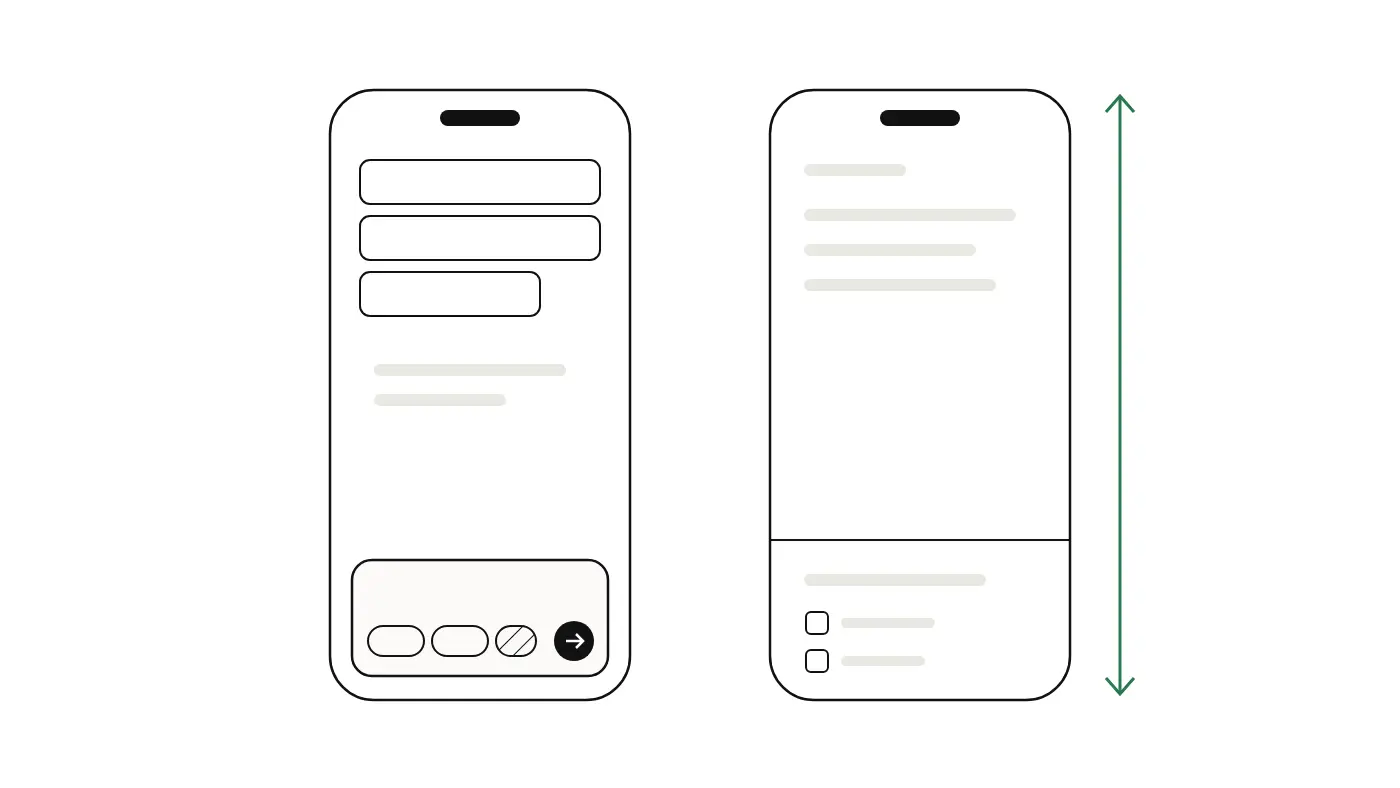
Many owners check their ads from a phone, between jobs or after hours. On November 6, 2026 we shipped three fixes to the AdvisorPPC chat on phones. None of them changes what the chat can do. They make it easier to start, and they stop parts of the screen from hiding.
What is new on the chat home?
- The empty space above the headline on a phone now holds up to three suggested prompts, in the same card style the chat uses, so you can start with one tap.
- The agent strip says when your agent last ran in plain words: "Last run 3 days ago", "No run yet" or "Queued". It used to show a status label that needed decoding.
- On screens narrower than 420 pixels, the composer drops its decorative icons and spacing first. The "Automate" button, the model name and "Manual" no longer get cut off, and the send button stays inside the composer. Before this fix it was clipped on 360 and 375 pixel wide phones.
What changed in the menu drawer?
The drawer is the menu that slides in from the side. Two things were wrong with it, and both are fixed.
- It now fills the whole visible screen. On iPhone, Safari's address bar collapses when you scroll, and the drawer used to keep the shorter height, so the page showed underneath it. The drawer now follows the visible height.
- The account area at the bottom is quieter: one line with your workspace name (or your own name) and your plan, with your name or email under it, then Settings and Sign out as simple rows that are easy to tap.
- The "Recent chats" section is hidden when you have no saved chats. While your chats load it shows a short "Loading" line, so the list no longer flashes empty and then fills in.
For anyone curious about the drawer bug: browsers offer several viewport height units. The small one is measured with the browser bar shown, the dynamic one follows the bar as it collapses. The MDN guide to CSS length units and web.dev on the new viewport units explain the difference.
Why spend time on phone layout?
Because the same rule applies to your own ads. A button that is clipped on a phone is a button nobody presses. If your campaigns get most clicks from phones, the device split guide shows how to check it, and the mobile landing page guide covers what to fix first.
Do I need to do anything?
No. Open the chat on your phone and the changes are there. Changes to your ad accounts still wait for your approval, as described in approve every change.
Shipped November 6, 2026. The 360, 375 and 420 pixel widths come from the change notes and layout tests for this release.