August 16, 2026 · 8 min read
Device Split: Mobile Clicks, Desktop Jobs
Mobile and desktop often convert at different rates. Here is how to read the device split, find the waste, and decide a bid or schedule change.
By the AdvisorPPC Team · Reviewed by Claude

A device split is the campaign broken into mobile, desktop, and tablet. Clicks, cost, and conversions sit on each row. The blended CPA hides which device is doing the job.
Segment a Search campaign by device. Compare cost and conversions on mobile versus desktop. A call business that cannot answer a mobile click the same way will often see mobile spend the budget and desktop book the work. Read the split before you change the daily budget.
This is a device report, not a reason to ban phones. It is not a landing-page teardown, and not a bid-strategy switch.
What is a device split in Google Ads?
A segment that splits one campaign into computers, mobile phones, and tablets. Each device gets its own clicks, cost, conversion count, and conversion rate. You are looking at the same keywords through three windows.
If you only watch the campaign total, a cheap mobile click can make the account look busy while the booked job still comes from desktop. That is the same hiding trick as mixing brand and non-brand in one pot.
How do you read mobile vs desktop without guessing?
Open one campaign. Segment by device. Use at least two weeks. Sort by cost. Ask three questions: which device spent, which device converted, and whether the conversion action is even possible on that device. A form that is broken on mobile will look like a bidding problem. It is a page problem. See clicks not converting.
When is mobile waste, and when is it the real customer?
Mobile is waste when people tap, bounce, and never call, and you have enough rows to trust the pattern. Mobile is the customer when your jobs come from phones: emergency calls, after-hours taps, maps traffic. Do not cut mobile because CPC looks high. Cut it when the next step does not happen and you have checked the page.
A home services account that lives on phone calls should see click-to-call working on mobile before it blames the device.
What can you change: bid, schedule, or the page?
- Page first if mobile conversion rate is near zero and desktop is fine. Fix the form, the phone number, and the speed.
- Device bid adjustment if mobile still converts, just at a worse rate you will not pay full price for.
- Ad schedule if nights on mobile are voicemail and days convert. Google's ad schedule setup guide covers how to build the windows once the device data points to a time-of-day cause.
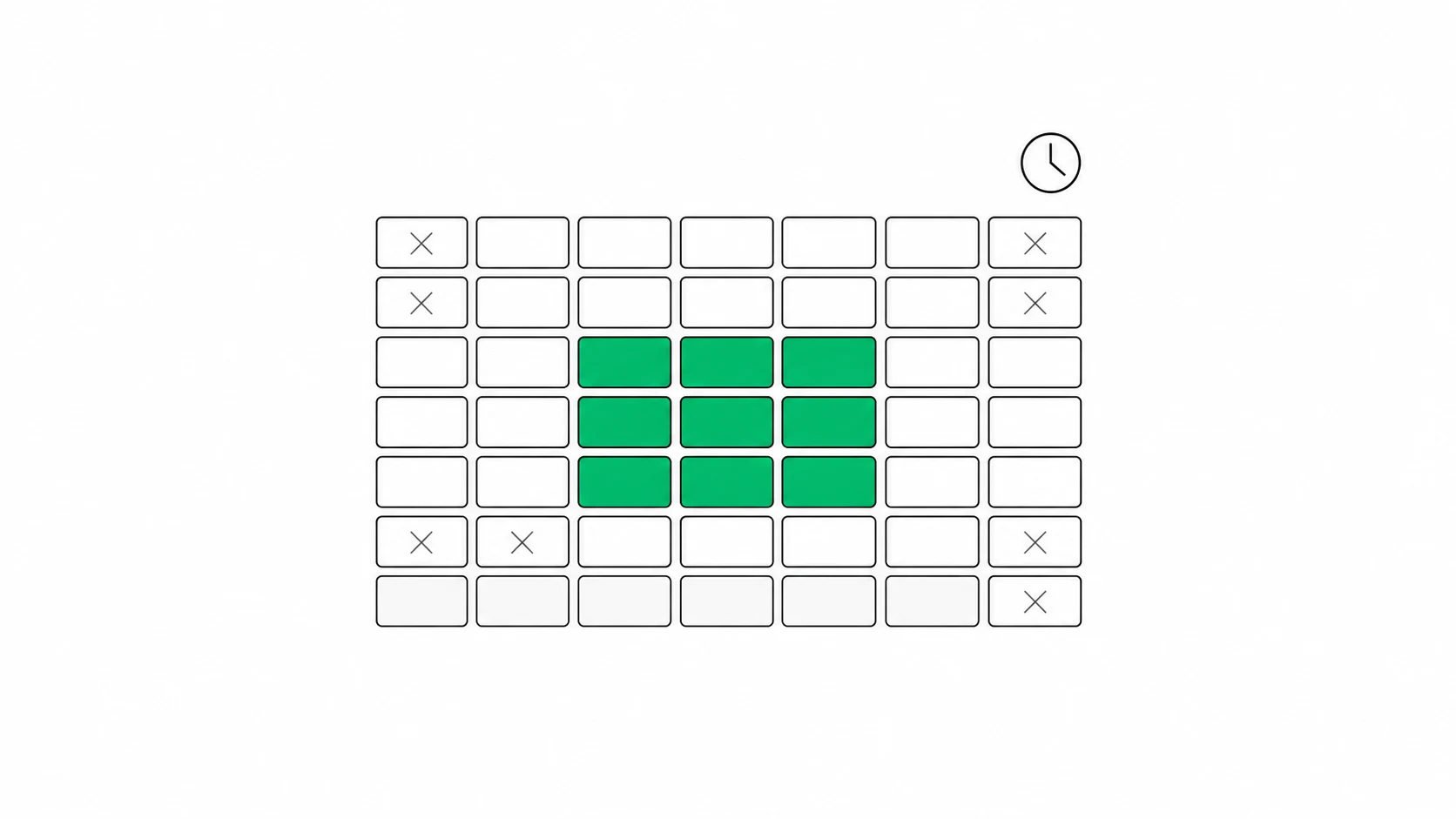
Do not zero out mobile on a hunch. A minus bid is a turn-down, not a funeral. Watch a week. Approve the write.
What about tablets?
Tablets are usually a small slice. Do not build a strategy around them. If tablet spend is real money and conversions are not, treat it like the weaker of mobile or desktop, then move on. The weekly job is mobile versus desktop.
How do I see mobile vs desktop in Google Ads?
Open a campaign, segment by device, and compare cost and conversions across at least two weeks.
Should I turn mobile off if it does not convert?
Check the landing page and call tracking first. If the next step is broken on phones, fix that. If the page is fine and mobile still does not convert, lower the mobile bid or restrict the hours.
Do device bid adjustments work with Smart Bidding?
Smart Bidding already uses device. A large device bid adjustment can fight the strategy. Google's Smart Bidding overview explains that device is already one of the signals the strategy factors into each bid. Prefer a page fix or a schedule when Maximize conversions or Target CPA is on.
AdvisorPPC is an AI manager. It can flag a device that spends without converting. Bid and schedule writes wait for approval. Manual is the default.
See which device drank the budget. Find my wasted spend. Read-only.