Published · 9 min read · Updated
Google Ads Ad Scheduling: How to Control When Your Ads Run
A plain-English guide to Google Ads ad scheduling and dayparting, so your ads run when customers actually buy or call, not at 3am.
By the AdvisorPPC Team · Reviewed by Claude
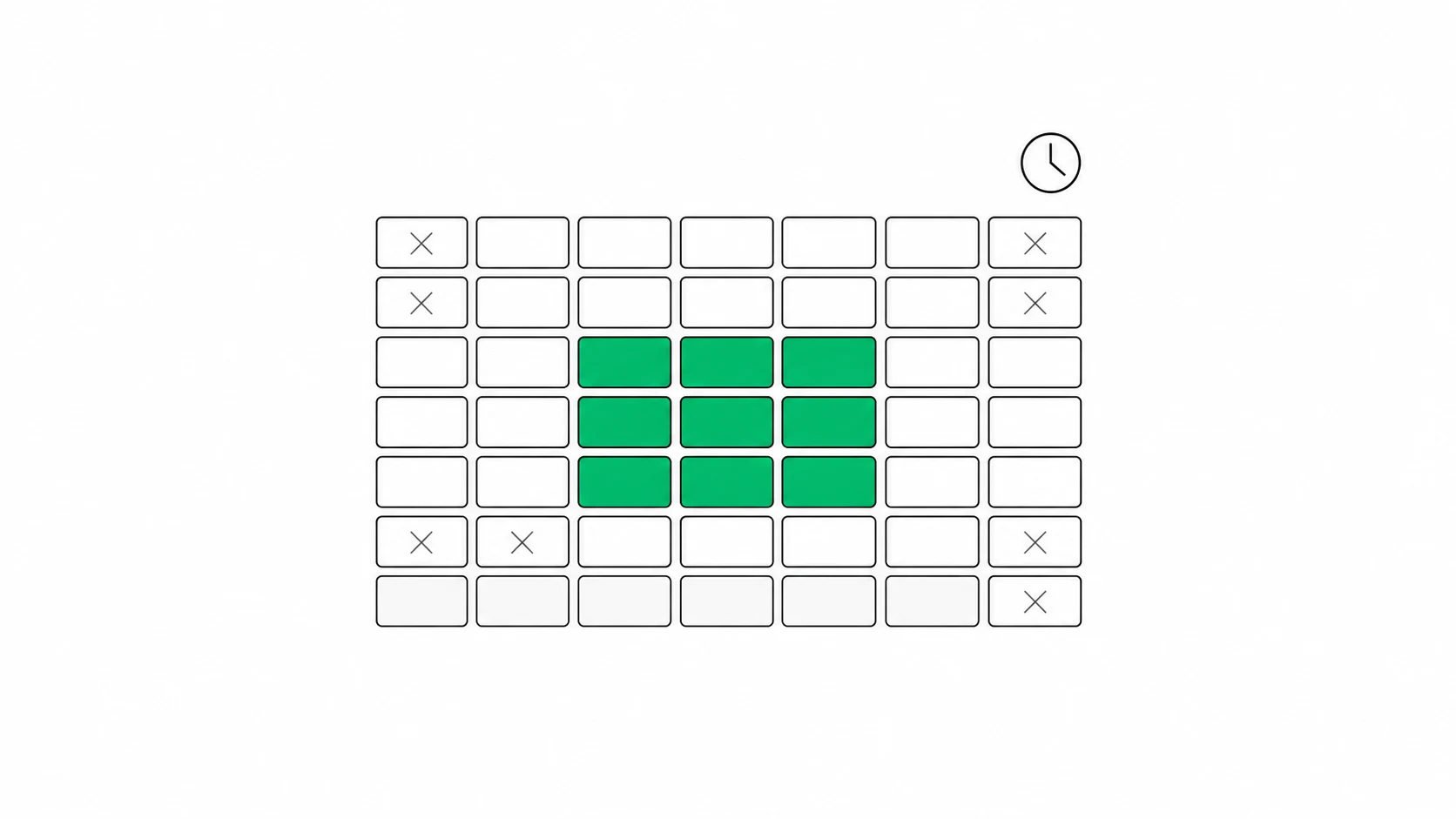
Most advertisers set up their campaigns to run every hour of every day and never think about it again. That feels safe, but it quietly ignores a simple truth about your business: your customers do not buy at a flat rate around the clock. They call during lunch, they fill out forms after dinner, they go quiet at 2am. Ad scheduling, sometimes called dayparting, is how you tell Google Ads to match your spend to the hours and days that actually produce customers. Done well, it stops you from paying full price for clicks nobody is around to answer.
What ad scheduling actually controls
An ad schedule is a set of time windows you define inside a campaign, built from days of the week and hours of the day. You can say a campaign runs Monday to Friday from 8am to 6pm, or that it runs weekends only, or that it runs all week but is switched off between midnight and 6am. Anything outside the windows you list simply does not show. So the first thing scheduling controls is presence: whether your ads are eligible to appear at a given hour at all. The second thing it can control, in certain bidding setups, is how aggressively you bid during specific windows. Those are two different levers, and confusing them is where most schedule mistakes start.
Why running ads 24/7 is not automatically the safe choice
Leaving a campaign on around the clock only makes sense if a click at 3am is worth roughly what a click at noon is worth to you. For a lot of local and service businesses, it is not. If your leads come from phone calls and nobody answers the phone overnight, every overnight click is a paid visit that lands on a form or a voicemail. This is one of the quiet places where wasted ad spend hides, because the spend looks like normal traffic in your reports until you break it down by hour. The fix is not always to cut nights entirely, but you should decide it on purpose rather than by default.
Reading the day and hour reports before you touch anything
Never build a schedule from a hunch. Google Ads gives you a breakdown of performance by day of week and by hour of day, and that is where you find the pattern instead of guessing it. Open a campaign, look at conversions and cost split across hours, and look for the windows where you spend real money but see very few conversions, and the windows where conversions cluster. Google's ad schedule setup guide walks through building these windows, and reading it is worth the ten minutes it takes. One caution: give it enough time to gather data, because a single slow Tuesday tells you nothing. Look across several weeks so you are reacting to a habit, not to noise.
Setting your first schedule around when customers really act
Once you can see the pattern, translate it into windows that match your business reality, not just the click data. A dental practice that only books during office hours has a clear case for weekday daytime windows. A pizza shop lives on Friday and Saturday nights. An e-commerce store may genuinely sell at all hours and need almost no restriction. Start conservative: switch off the hours you are confident add no value, such as the middle of the night for a call-driven business, and leave everything else on until the data earns a change. A schedule is easy to tighten later once you see how a lighter version performs.
Schedule bid adjustments and how they work
On top of choosing which hours run, you can attach a bid adjustment to a time window: raise bids by a percentage during your best hours, or lower them during weaker ones. A plus twenty percent adjustment on weekday afternoons tells Google to compete harder for those clicks, while a minus fifty percent on late nights keeps you eligible but cheap. This is the more surgical version of dayparting, because instead of going fully dark you simply lean in or out. But there is an important condition on whether these adjustments do anything at all, and it depends entirely on how your campaign sets its bids.
The Smart Bidding rule most advertisers get wrong
Here is the part that trips up even experienced advertisers. If your campaign uses Smart Bidding, meaning Target CPA, Target ROAS, or Maximize Conversions, then your manual ad-schedule bid adjustments are ignored. Smart Bidding sets a bid in real time for every single auction based on predicted value, and time of day is already one of the many signals it weighs, so it overrides the flat percentage you typed in. Understanding smart bidding versus manual bidding matters here because the two treat your schedule very differently. With Smart Bidding, the schedule is not for fine-tuning bids at all. Its real job becomes deciding which hours are eligible to run in the first place.
So what does the schedule still do under Smart Bidding
Even when bid adjustments are ignored, the on and off windows are fully respected. That is the lever you keep. If you never want ads showing between midnight and 6am because there is no one to take the call and the after-hours leads go stale, you set those hours to not run, and Smart Bidding obeys it. Think of it this way: under Smart Bidding, the schedule answers the yes-or-no question of whether to be present, and the algorithm handles the how-much question of what to bid. Google confirms in its help documentation that seasonality and time signals feed the automated bid, which is exactly why hand-tuned time multipliers become redundant. So keep the schedule simple: pause the hours you truly never want, and let the bidding do the rest.
Make sure the clicks you pay for actually convert
Scheduling gets you in front of people at the right time, but the right time still fails if the page they land on does not do its job. If your best hours send strong traffic and the conversions still do not come, the problem may have moved downstream, and it is worth understanding why your clicks are not converting before you blame the schedule. A fast, clear landing page with an obvious next step is what turns a well-timed click into a call or a sale. Timing and landing quality work together: nail the hour, then make sure the destination closes the loop.
Common scheduling mistakes to avoid
A few traps show up again and again. Cutting hours too aggressively on thin data starves the campaign and can hurt Smart Bidding, which learns better with more signal, so trim gently. Setting bid multipliers on a Smart Bidding campaign and assuming they work wastes your effort on a control that does nothing. Forgetting your account time zone is another quiet one: the schedule runs on the time zone set at account creation, not your local clock, and a mismatch shifts every window. And treating the schedule as set-and-forget ignores that buying patterns drift over seasons. Revisit the day and hour report every quarter and adjust to what the business is doing now.
Let an AI manager watch the clock for you
Ad scheduling rewards steady attention: reading the hour reports, knowing when bid adjustments matter and when they are ignored, and tightening windows as your customers' habits change. That is exactly the kind of ongoing judgment most owners do not have time for. AdvisorPPC is an AI manager that reads your day and hour performance, applies the right schedule for the bidding strategy you actually run, and keeps your spend pointed at the hours that produce customers instead of quiet clicks. If you want a clear look at where your timing is leaking money, you can start your free account audit and see the hours worth keeping.