August 16, 2026 · 8 min read
Mobile Landing Pages for Paid Search
Build paid-search landing pages that load quickly, match the query, make the next action obvious, and preserve conversion tracking on mobile.
By the AdvisorPPC Team · Reviewed by Claude
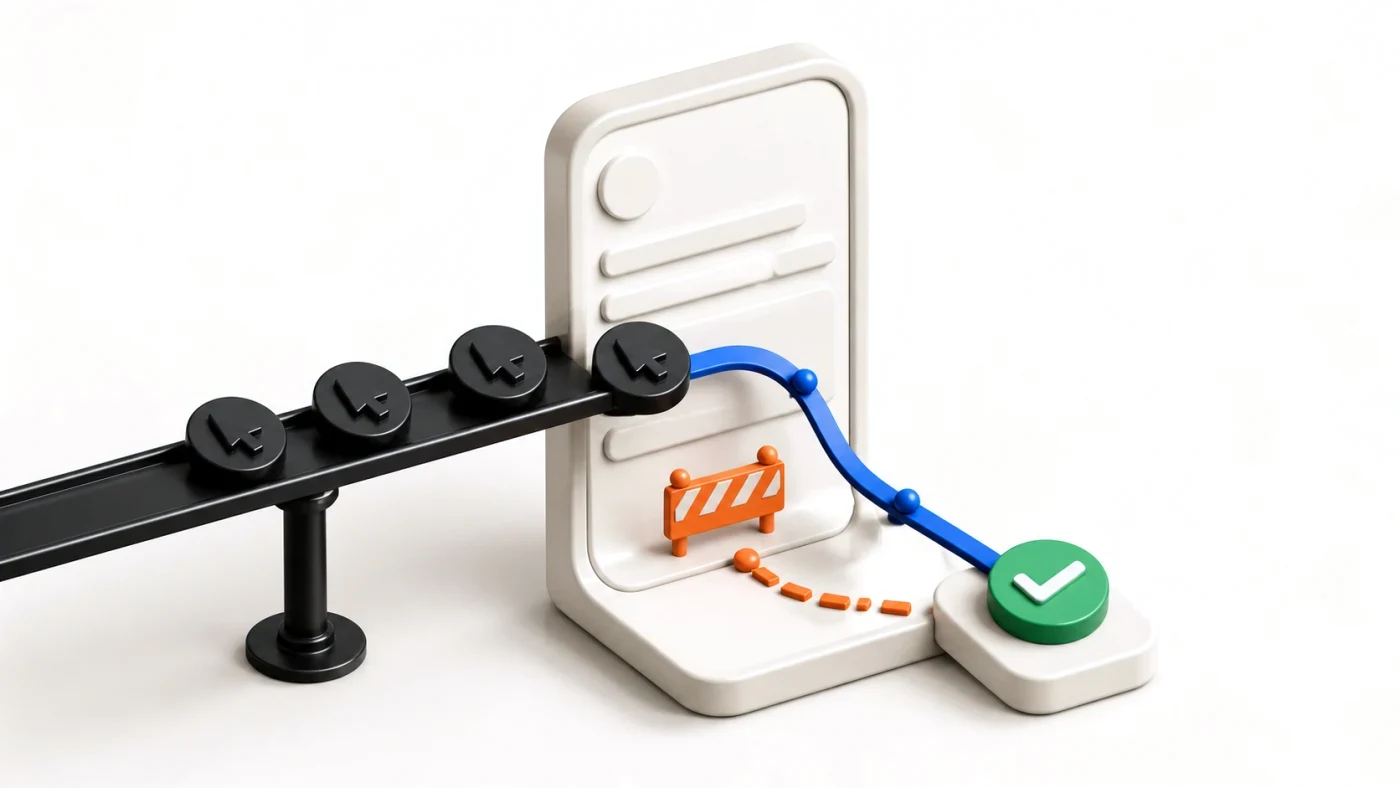
A strong mobile paid-search landing page loads quickly, repeats the promise in the ad, explains the offer without hunting, and presents one easy next action. It must also keep forms, calls, consent, and conversion tags working on a small screen. Mobile design is part of campaign performance, not a cosmetic follow-up.
What should a mobile ad click see first?
The first screen should confirm the service, location, and next step promised by the ad. If the ad says emergency boiler repair in Leeds, the page should not open with a general company history. Message match reduces doubt and keeps each campaign focused on one job.
Use a readable headline, short proof, and one primary call to action. A phone button must call; a booking button must reach the booking flow. Keep secondary navigation available when it helps trust, but do not make the visitor solve a menu before acting.
How fast does the page need to feel?
Measure real users rather than trusting one office Wi-Fi test. Google's current Core Web Vitals guidance evaluates loading, responsiveness, and visual stability at the 75th percentile, split by mobile and desktop. Treat those metrics as diagnostic signals, not a guarantee of more conversions.
- Compress and correctly size the hero image instead of shipping a desktop original.
- Reserve image and form space so buttons do not jump while the page loads.
- Delay nonessential scripts and remove duplicate tags.
- Test on a real phone with a slow connection and a cold cache.
What makes a mobile form easier to finish?
Ask only for information needed for the next step. Use the correct keyboard type for email, phone, and numeric fields. Keep labels visible, validation specific, and tap targets comfortably separated. If the form fails, preserve what the visitor already entered and explain how to recover.
A short form is not automatically a good form. A vague 'Submit' button and no privacy context can create low-quality leads. Make the outcome clear: request a quote, book a consultation, or check availability. Then compare lead quality with landing-page click performance.
How do you preserve measurement and consent?
Test the complete path: ad URL, redirects, consent choice, form confirmation, call action, and conversion record. Confirm that the Google click identifier and campaign parameters survive legitimate redirects. A visually perfect page with a silent tag leaves bidding to learn from missing data.
Use Google's Largest Contentful Paint documentation to understand what the loading metric observes, then verify your own field data. Also check why conversions stop tracking before blaming the bid strategy.
What should you test first?
Start with the biggest uncertainty: offer clarity, form completion, page speed, or call handling. Change one meaningful element, keep the campaign and measurement stable, and wait for enough business outcomes to compare. Do not invent a universal uplift or declare a winner from a handful of clicks.
Before raising spend, connect the page review to your Google Ads audit checklist.