July 24, 2026 · 7 min read
The Google Ads Audit Checklist: What to Check Before You Spend Another Dollar
A working checklist for auditing your Google Ads account: tracking, search terms, structure, budgets, and ad quality, in the order that actually matters.
By the AdvisorPPC Team · Reviewed by Claude
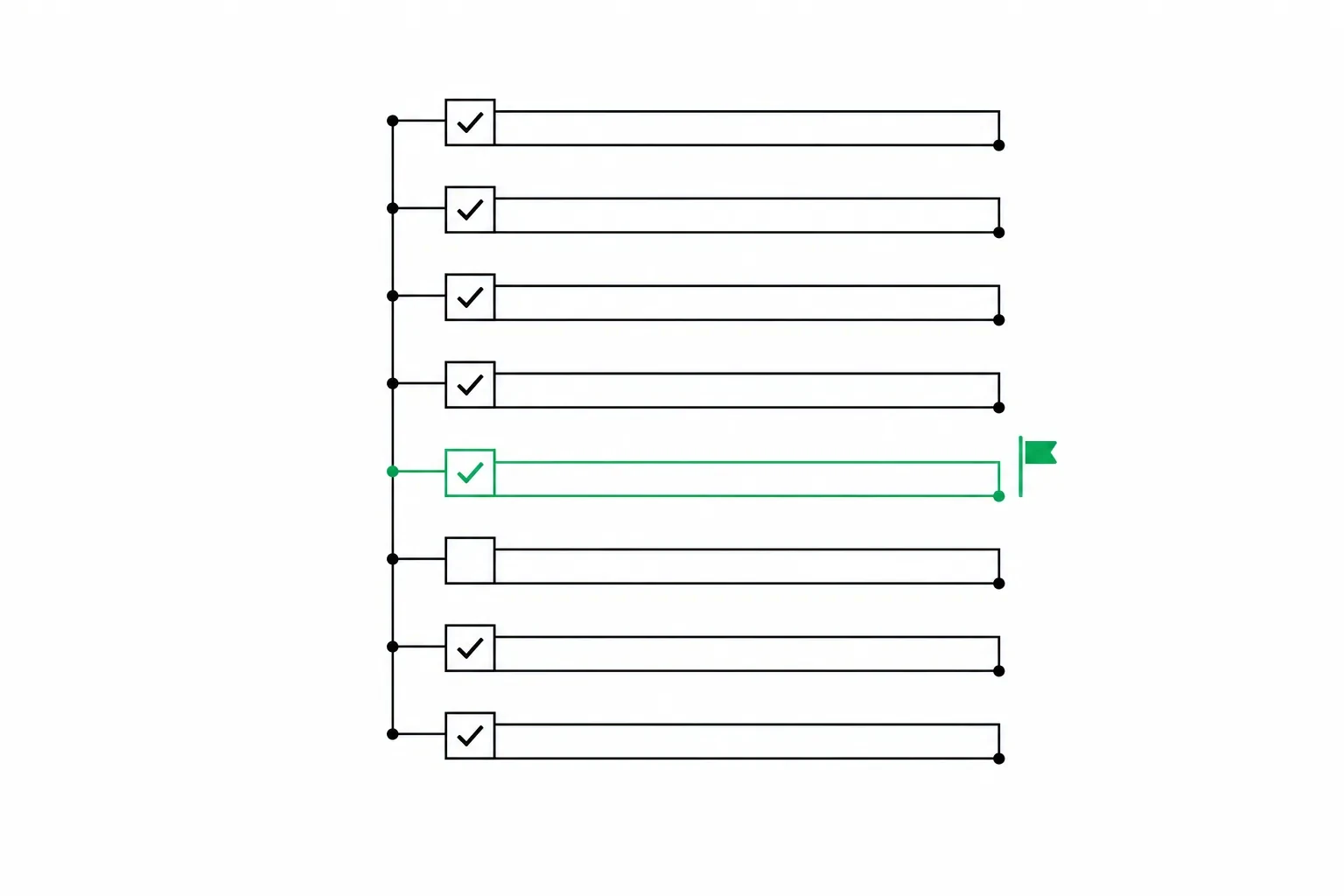
Most Google Ads accounts have never been properly audited. They were set up once, tweaked here and there, and left to run on whatever settings Google suggested at the time. If you have not sat down and gone through your account line by line in the last few months, you are almost certainly paying for something you would cancel on sight if you saw it clearly.
An audit is not a redesign. It is a look at what is actually happening in the account, in a specific order, so you fix the things that are costing you money before you touch anything else. Here is that order.
Why audit before optimizing
It is tempting to jump straight to raising bids on your best keywords or writing new ad copy. But if your conversion tracking is broken, every decision you make after that is built on bad data. If your search terms report is full of leaks, no amount of bid tuning will fix the waste underneath it. An audit finds the foundational problems first, because fixing a keyword bid on top of broken tracking just makes a bad decision more confident.
Work through the sections below in order. Each one assumes the one before it is already sound.
Conversion tracking first
This is the one step people skip and the one that matters most. If your account is optimizing toward a conversion action that is not measuring what you think it is measuring, every automated bid strategy in the account is chasing the wrong target. Start by confirming the Google tag actually sits on the confirmation step for every action you count, since a tag that quietly moved or disappeared is the single most common cause of a healthy-looking account that is not actually converting.
- Is every conversion action actually firing? Submit a real test form or make a real test call and confirm it shows up in the account within a day.
- Are you counting the same conversion twice? A common cause is having both a Google Ads tag and a Google Analytics import pointed at the same event.
- Are conversion values set correctly, or is every lead worth the same default value regardless of whether it was a real inquiry or a form filled out by a bot?
- Are you tracking phone calls, not just form fills, if calls are a real part of how customers reach you?
- Is the primary conversion action actually the thing you care about, like a booked appointment, rather than a page view or a newsletter signup that got set as primary by default?
If you find duplicate or miscounted conversions, fix them before you look at anything else. A campaign that looks like it is performing well because it is double-counting leads will mislead every decision downstream.
Search terms and negatives
This is where the clearest, most fixable waste usually hides. Your search-term report shows the actual words people typed before your ad showed, which can be very different from the keywords you set up to trigger it.
- Pull the search terms report for the last 90 days and sort by spend, not by clicks.
- Look for searches that are close to your keywords but clearly a different intent, like someone searching for a job or a DIY guide when you sell a paid service.
- Look for searches for a competitor's brand name or a product you do not offer.
- Add the offenders as negative keywords, and check whether the pattern repeats, which usually means a broad match keyword needs tightening rather than an endless list of one-off negatives.
If you want the mechanics of how negative match types work and how to build this into a routine, that is covered in full in the negative keywords guide.
Account structure
Structure problems are quieter than tracking or search term problems, but they compound over time. Look at how campaigns and ad groups are organized.
- Are ad groups tightly themed, or do they mix unrelated keywords under one generic ad?
- Do multiple campaigns or ad groups target the same or very similar keywords, which forces you to compete against yourself in the auction?
- Are old, paused, or abandoned campaigns still sitting in the account with active budgets or bid strategies attached?
- Does each ad group's landing page actually match what its keywords are about, or does everything point to the homepage?
Overlapping keywords are worth a specific check. Search for your top few keywords in the Ad Group Keywords view across the whole account and see how many ad groups they appear in. If the same term is live in three ad groups, you are bidding against yourself and Google is deciding which of your own ads wins, which is not a decision you want to hand over.
Budgets and bid strategy
Two separate checks belong here: whether your budget is actually enough to run, and whether your bid strategy matches what you are trying to achieve.
- Check each campaign for the "limited by budget" status. If a profitable campaign is capped, it is losing you conversions it could have won with more room to spend.
- Check that your bid strategy matches your actual goal. A campaign optimizing for clicks when what you want is booked appointments is optimizing for the wrong outcome.
- If you are on a Target CPA or Target ROAS strategy, confirm the target itself is realistic given your actual close rate and margins, not a number picked at setup and never revisited.
- Check for campaigns with tiny budgets that never get enough volume to leave the automated bidding learning phase, which keeps performance erratic indefinitely.
If you are unsure what a reasonable monthly number even looks like for your business, how much to spend on Google Ads walks through a way to think about it.
Ads and landing pages
The last section is the ads themselves and where they send people, because good targeting with a weak ad or a mismatched page still fails.
- Does every ad group have at least three or four responsive search ad headlines that speak directly to that ad group's specific keywords, not generic brand copy reused everywhere?
- Are you using a mix of Search campaigns and Performance Max, and do you know which one is actually driving the results you are crediting to each?
- Does the landing page load quickly and clearly answer the search, or does it dump the visitor on a slow homepage with no obvious next step?
- Are ad extensions, like sitelinks and callouts, filled in and current, or are they missing entirely?
If you are weighing whether Performance Max or a Search campaign fits your account better, that comparison is covered in Performance Max vs Search campaigns.
How often to re-audit
A full pass like this is worth doing every three months for a stable account, and monthly for a newer one that is still finding its footing. In between full audits, the search terms report deserves a weekly look, since that is where new waste shows up fastest.
What you do with the findings matters as much as finding them. Write down what you changed and why, even in a simple spreadsheet, so three months from now you can tell whether last quarter's fix actually held or quietly drifted back. An audit without a record of what changed is just a one-time cleanup instead of a habit.
If you would rather have this checklist run against your account automatically, AdvisorPPC's Auditor reads your live account, free and read-only, and reports the same categories above in plain English. The audit itself never changes your account.
AdvisorPPC's AI managers are built using the Claude API from Anthropic. AdvisorPPC is not affiliated with or endorsed by Anthropic.