July 24, 2026 · 7 min read
Negative Keywords in Google Ads: The Complete Working Guide
How negative keywords actually work in Google Ads, why they behave differently from regular keywords, and a weekly process for using them to stop wasted spend.
By the AdvisorPPC Team · Reviewed by Claude
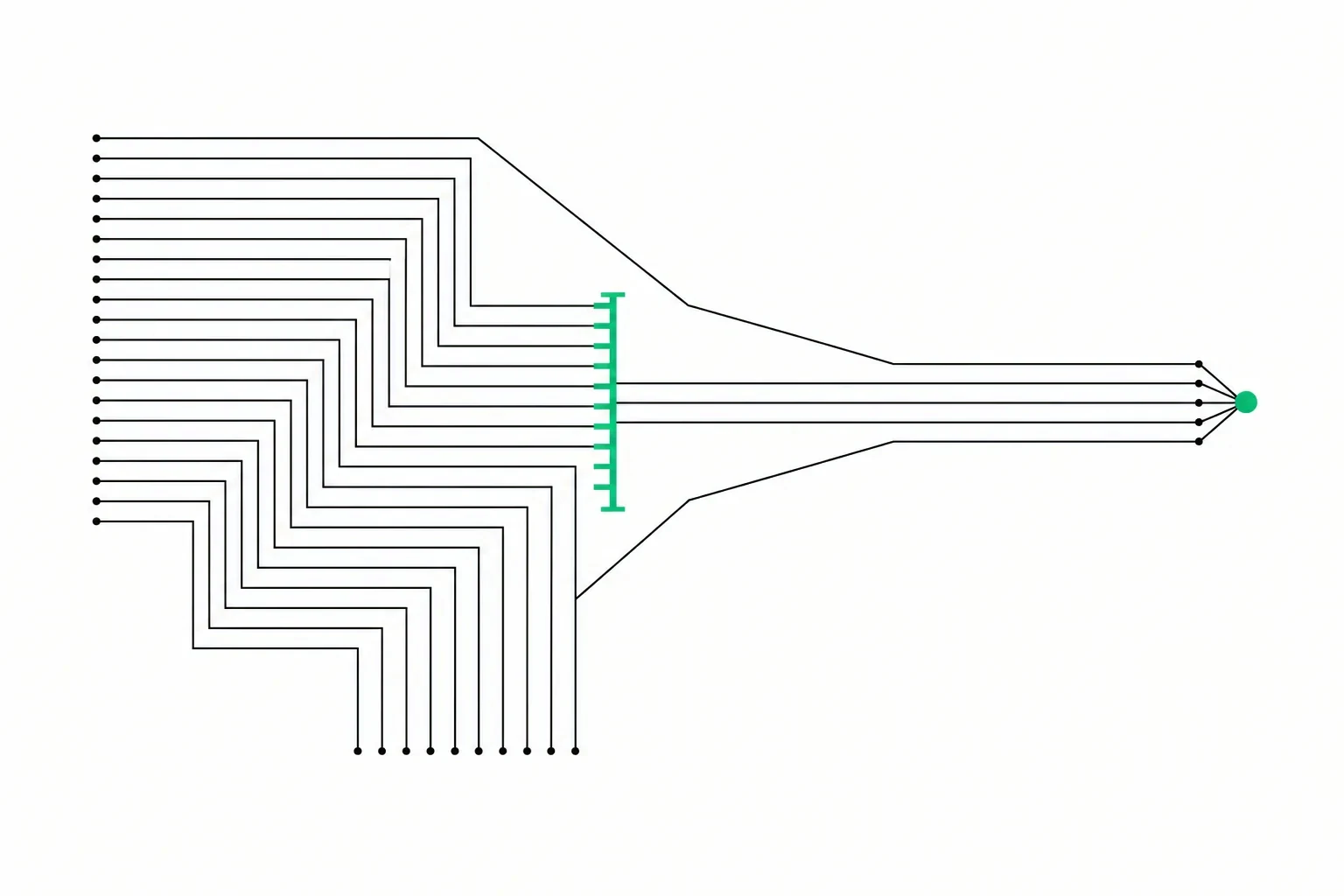
Negative keywords are the single most direct tool you have for stopping wasted spend in a Google Ads account, and they are also the most neglected. Most accounts have a handful added once at setup and never touched again, while the searches triggering wasted clicks keep changing every week.
This guide covers what negative keywords actually do, why they follow different rules than the keywords you bid on, and how to build a routine around them that keeps working after the first cleanup.
What negative keywords actually do
A negative keyword tells Google not to show your ad for searches that match it. That is the entire function. It does not lower your bid, it does not deprioritize the search, it blocks the ad from appearing at all for anything matching that negative.
This matters because every wasted click is a click you paid for on a search that was never going to convert. If you sell paid consulting services and someone searches "free consulting template", your ad showing for that search and getting clicked costs you real money for a visitor who was never a prospect. A negative keyword for "free" or "template" stops that specific leak permanently, without you having to lower your bid on the keyword that is otherwise working fine.
Negative match types work differently
Negative keywords use the same three match type names as regular keywords, exact, phrase, and broad, but they do not behave the same way, and this trips up a lot of accounts.
A regular broad match keyword expands outward. It can trigger your ad for searches that are only loosely related to the term you entered, using signals like search history and other terms in the query. A negative broad match does the opposite: it only blocks searches that contain all the words in the negative, in any order, with no expansion to synonyms or related concepts. "Free training" as a negative broad match blocks searches containing both "free" and "training", but it does not block "free training" reworded as "no cost coaching", even though a person searching that has the same intent you are trying to exclude.
Negative phrase match blocks searches that contain the exact phrase, in that order, as part of a longer search. Negative exact match only blocks the search if it matches your term precisely, word for word, with nothing added. Google's negative keyword documentation covers the current behavior for each negative match type. The practical effect is that negatives require more of you than positive keywords do. You cannot set one broad negative and expect it to catch every variation of unwanted intent the way a broad match keyword catches every variation of a buying search. You have to actively find and add the variations yourself.
Mining your search terms report
The search terms report is where you find what to add. It shows the literal words someone typed before your ad appeared and they clicked, which is often noticeably different from the keyword list you built. Google's negative-keyword workflow reference documents how a search term you add from this report becomes a negative and which match type it defaults to.
Sort the report by cost, not by clicks or impressions, so the searches that have actually spent your money surface first. Read down the list and ask, for each search, whether a person typing that would plausibly become a customer. Common categories worth watching for are job seekers searching for roles at companies like yours, people looking for free or DIY versions of a paid service, students or researchers gathering general information, and searches naming a specific competitor or a product you do not carry.
When you find a search that should not have triggered your ad, do not just add that one term as a negative. Check what keyword and match type let it through. If the same root problem keeps producing new variations of the same unwanted search, the keyword driving it may need to move from broad match to phrase match, which is a more durable fix than an ever-growing negative list chasing each new variant. For a broader pass through where this kind of waste tends to accumulate, see where wasted ad spend hides.
Shared negative lists across campaigns
Most accounts run more than one campaign, and certain negatives apply to all of them. If you never sell anything for free, "free" belongs on every campaign in the account, not re-added one campaign at a time.
- Build a shared negative keyword list at the account level for terms that should be blocked everywhere, like "free", "jobs", "salary", and any recurring unrelated searches you find.
- Apply that shared list to every relevant campaign so a new negative only has to be added once.
- Keep a second, campaign-specific list for negatives that only make sense in one context, like excluding a service you offer under one campaign but explicitly promote in another.
The distinction between a shared list and a true account-level negative matters more as an account grows; see account-level negative keywords for where the two diverge and why a broad account-level block deserves extra caution.
The shared list is worth setting up even if your account is small right now, because it saves you from redoing the same negative additions across every future campaign you launch.
Negatives in Performance Max
Performance Max campaigns handle negative keywords differently from standard Search campaigns, and it is worth knowing the limits. You cannot add regular negative keywords directly inside a Performance Max campaign the way you can in Search. Account-level negative keyword lists, requested through Google support, are the mechanism for blocking specific terms across Performance Max, and they are meant for a narrow set of cases like brand safety, not routine day-to-day pruning.
What you do have direct control over in Performance Max is brand exclusions, which stop your ads from showing on searches for your own brand name if you are running a separate branded campaign and do not want the two competing for the same traffic, and audience signal adjustments, which shape who Performance Max targets even though they do not block specific search terms outright. If you are deciding between Performance Max and a standard Search campaign for a given goal, Performance Max vs Search campaigns covers where each one fits.
A weekly cadence that keeps the account clean
Negative keywords are not a one-time cleanup, because the searches triggering your ads change as seasons shift, as Google's matching evolves, and as your own keyword list grows. A short weekly routine keeps the account from drifting back into waste.
- Pull the search terms report filtered to the last seven days, sorted by cost.
- Scan for anything that clearly does not belong, and add it to the shared negative list rather than a single campaign where possible.
- Note any repeating pattern that points to a keyword needing a tighter match type instead of another one-off negative.
- Once a month, review the negative lists themselves for anything that may now be blocking a search you actually want, since businesses and offerings change over time.
This is a small amount of weekly work, usually well under an hour, and it is one of the few habits in Google Ads with a direct, visible payoff: every properly placed negative stops a specific, repeatable waste of money from happening again.
AdvisorPPC's AI managers review the search terms report daily rather than weekly and propose negative keyword additions with the reasoning attached. Manual shows each proposal for approval. If an admin or owner chooses bounded Auto, eligible negatives may be added inside the selected-account guardrails; every applied negative is logged and reversible.
AdvisorPPC's AI managers are built using the Claude API from Anthropic. AdvisorPPC is not affiliated with or endorsed by Anthropic.