August 21, 2026 · 8 min read
Shared Negative Lists: One Block for Every Campaign
A shared negative list blocks the same junk across campaigns. Here is when to use one list, what to put on it, and what to leave campaign-local.
By the AdvisorPPC Team · Reviewed by Claude
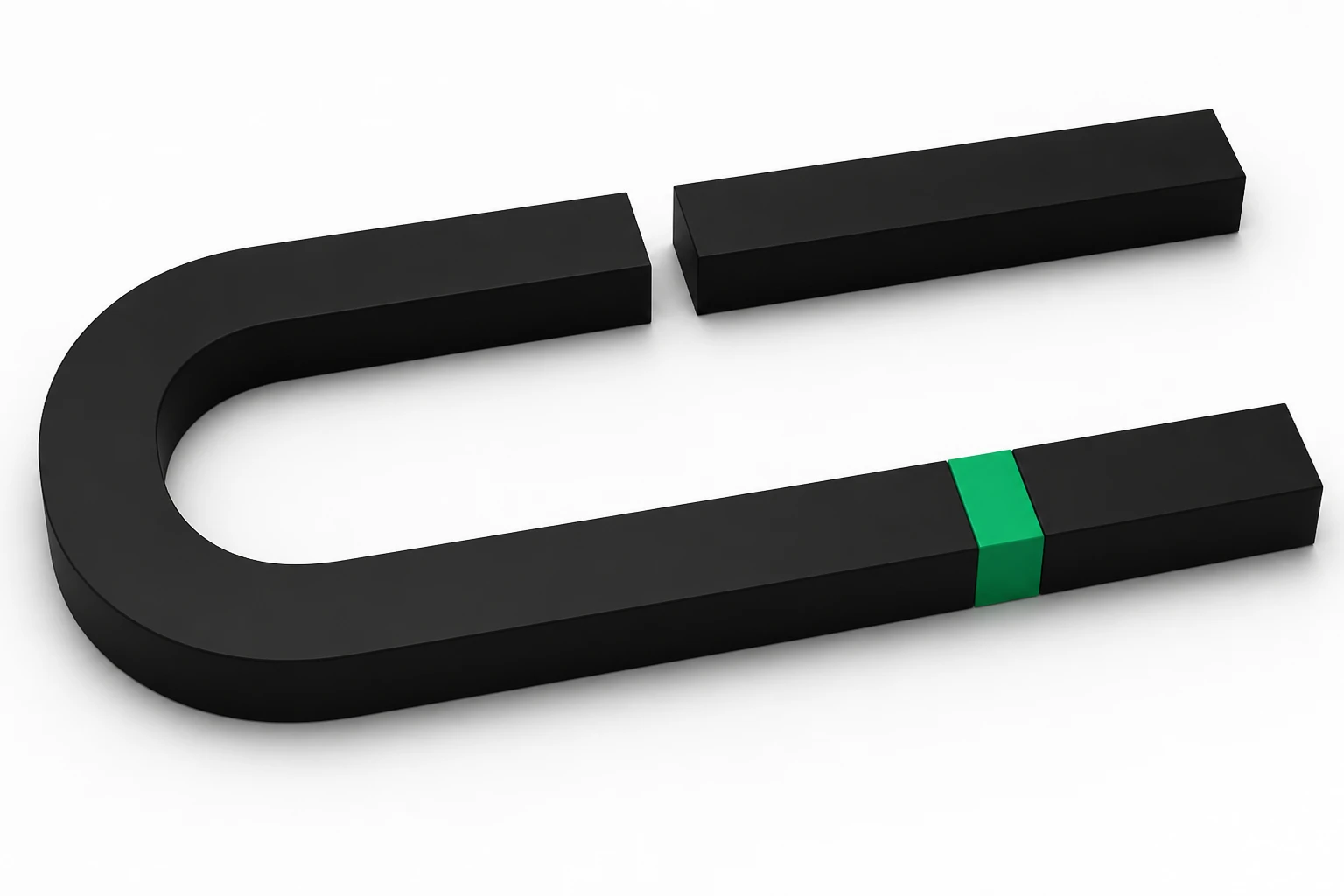
A shared negative keyword list is one block list you attach to several campaigns. Every attached campaign inherits those negatives. You edit the list once.
Account-level junk that should never get a click (jobs, DIY, free, careers, login, wholesale) belongs on a shared list, the same category Google covers in its access and edit account-level negatives guide. Campaign-specific blocks, like a city you will not serve from one location, stay on that campaign. Mixing those two is how a shared list accidentally starves a campaign.
This is one list, many campaigns. It is not a substitute for a weekly search-terms pass, and not a reason to dump every negative into one pile.
What is a shared negative keyword list?
A reusable list of negative keywords you create once and attach to the campaigns that should share it. The negatives live on the list. The campaign only holds the attachment. Add a term on the list and every attached campaign blocks it.
This is the scale version of negative keywords. The weekly decision of pause versus negative still happens first. The list is how you stop typing the same block seven times.
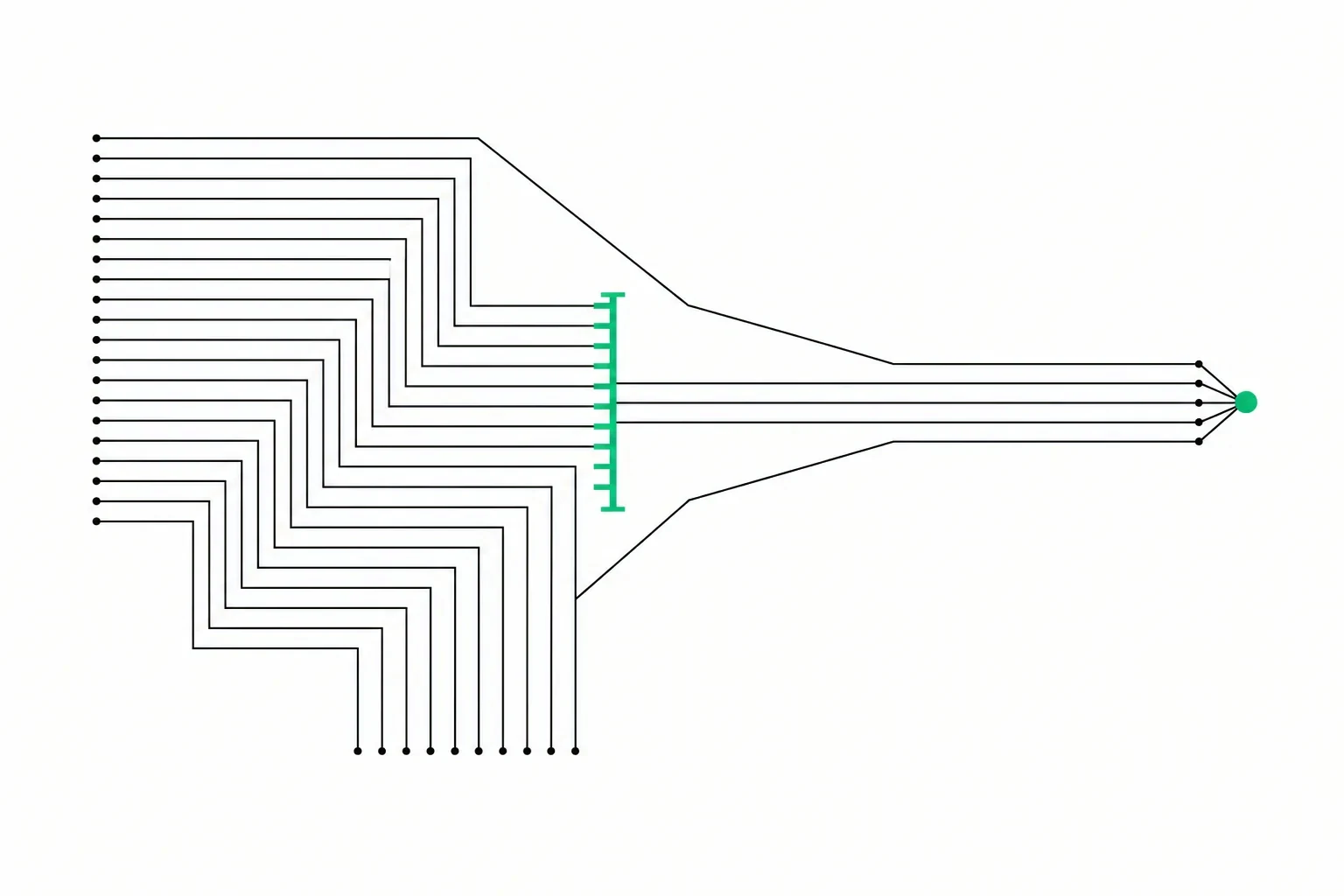
What belongs on a shared list vs a campaign negative?
- Shared: words that are never your customer in any campaign, such as jobs, hiring, salary, DIY, free, pdf, youtube, login, careers.
- Campaign: a city you do not serve from that location, a service that campaign does not sell, or a competitor name that campaign should not take.
- Brand campaign: do not put your own name on a list attached to brand. That block belongs on non-brand only.
If a negative would be wrong on even one attached campaign, it is not a shared negative. Keep it local. Geo exclusions still handle places. The list handles queries.
How do you attach and audit a shared list?
Create the list under shared library. Attach it to the Search campaigns that should inherit it. Then open each campaign's negatives and confirm the list is there. A new campaign does not inherit it until you attach it. That is a Monday check after anyone uses a wizard.
Once a month, read the list. Remove anything that started blocking good queries. Match type on a negative still matters, as Google's negative keyword documentation explains. Tight first. See match types.
What goes wrong with one giant list?
A city negative on a shared list blinds a second location campaign. Your brand name on a shared list attached to brand kills the defense campaign. A broad negative like 'service' takes out half the account. The list is a sharp tool. Keep it boring and global.
If the same junk keeps coming back in one campaign only, that is a local negative plus a search terms pass, not a reason to widen the shared list.
How does this fit the weekly pass?
Search terms still come first. When the same junk appears in two campaigns, put it on the shared list and attach both. When it appears in one, keep it local. Log the add. Next Monday pass you check whether that row came back, not whether you remember which campaign you edited.
Common questions
What is a shared negative keyword list?
One negative list you attach to several campaigns so they all inherit the same blocks. You edit the list once.
Should every negative go on the shared list?
No. Only terms that should never get a click in any attached campaign. City, service, and brand blocks usually stay on the campaign.
Does a new campaign get the list automatically?
No. You attach it. Check Networks and negatives whenever a wizard creates a campaign.
AdvisorPPC is an AI manager. It can propose adding a repeated junk query to a shared list. Manual is the default. Bounded Auto, if you turn it on, may add eligible negatives only. It does not change bids or budgets.
Want a read-only pass on last week's junk? Find my wasted spend. No card.