August 21, 2026 · 8 min read
Account-Level Negative Keywords in Google Ads
Use account-level negatives for truly universal exclusions, understand their reach, and avoid blocking valuable searches across unrelated campaigns.
By the AdvisorPPC Team · Reviewed by Claude
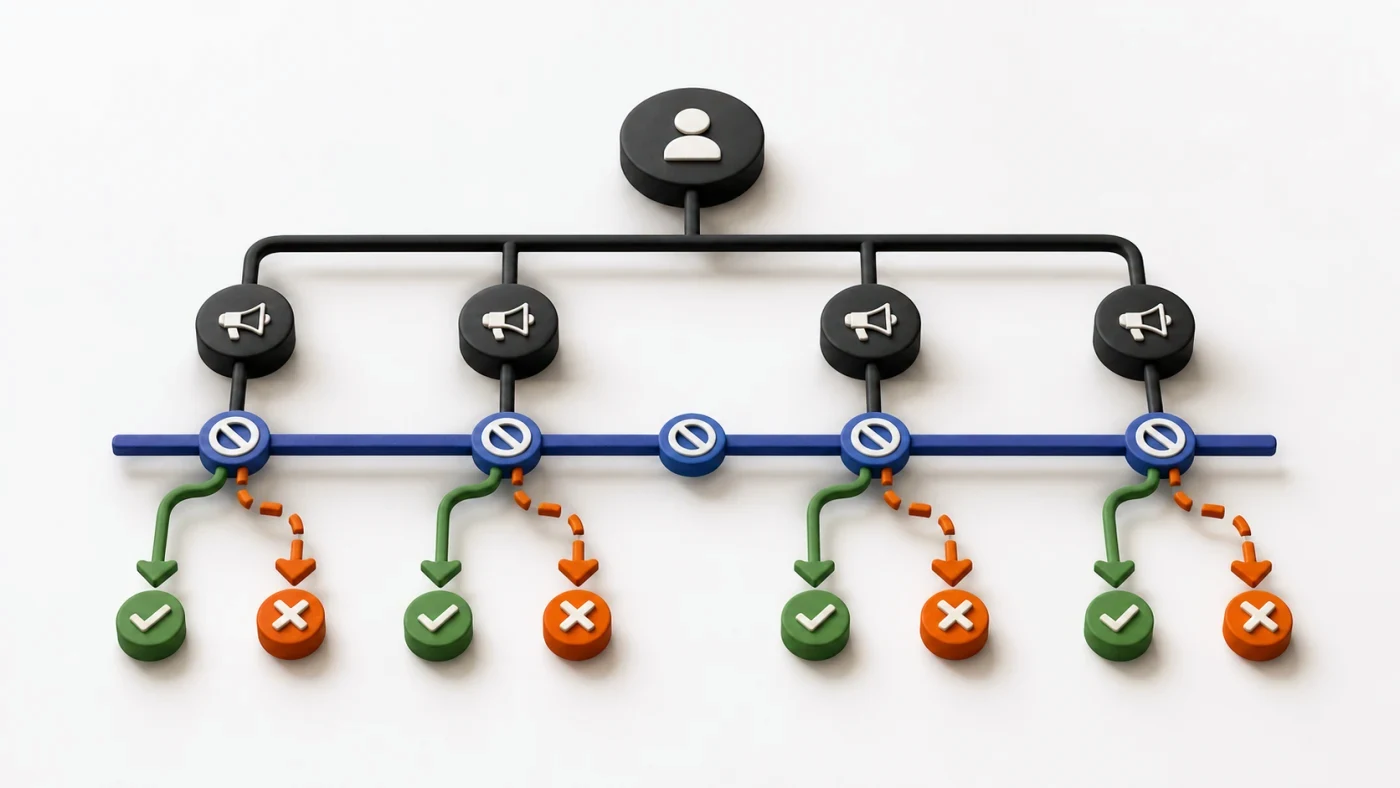
Account-level negative keywords are global exclusions that Google applies across eligible search and shopping inventory in the account. Use them only for terms that are wrong for every relevant campaign, such as universally prohibited or irrelevant intent. Product, location, and routing exclusions usually belong at a narrower campaign or ad-group scope.
What does account-level really mean?
Google's negative keyword documentation describes a single account-level list that applies automatically across relevant search and shopping inventory. Because the scope is broad, one edit can affect campaigns owned by different teams, goals, or product lines.
This is different from a shared negative list. Shared lists are account-managed collections that must be attached to chosen campaigns. Learn the narrower pattern in the shared negative lists guide.
Which terms belong at account level?
Use the global scope when the evidence supports a universal rule. Examples may include a service the business never offers, unsafe or prohibited intent the business never serves, or a brand-safety term rejected across every applicable campaign. Validate the rule with each business line before adding it.
Do not put a city, product, competitor, or funnel-stage term at account level merely because one campaign does not want it. A future or existing campaign may have a legitimate reason to serve. Build account-level exclusions from durable policy, not from one week's noisy search terms.
How should you audit the list safely?
- Export the current list with match types and review it against every active offer.
- Search for conflicts with positive keywords, search themes, brands, and locations.
- Trace additions in Change History and identify the original reason where possible.
- Mark terms as universal, scope too broad, unclear, or obsolete before editing.
- Review recent additions more often than stable policy exclusions.
Google's live instructions explain how to access and edit account-level negatives. The interface location can change, so follow the account's current navigation rather than an old screenshot.
How do you avoid and repair conflicts?
Before adding a term, check positive keywords and the business catalog. After adding it, verify intended campaigns remain eligible. When you find a collision, identify the exact negative and scope, then move or narrow only that exclusion. The negative keyword conflicts guide provides the diagnostic order.
Removing a global negative can reopen traffic across the account immediately. Do not delete a group of terms just because one campaign needs an exception; a campaign-level routing plan may be safer.
What should an automated manager propose?
Automation can flag universal waste patterns, map the campaigns affected, and stage a proposed negative with evidence. The approval should show the text, match type, current scope, affected inventory, and rollback. Adding or removing an account-level negative is a write and should never be hidden inside a generic optimization batch.
Keep each proposed change visible through the approval gate.