July 18, 2026 · 5 min read
Why Your Google Ads Conversions Aren't Tracking (And How to Fix It)
When conversion tracking breaks, every bid and budget decision is a guess. Here are the common reasons Google Ads stops counting sales, the signs to watch for, and how AI managers check it with every fix approved by you.
By the AdvisorPPC Team · Reviewed by Claude
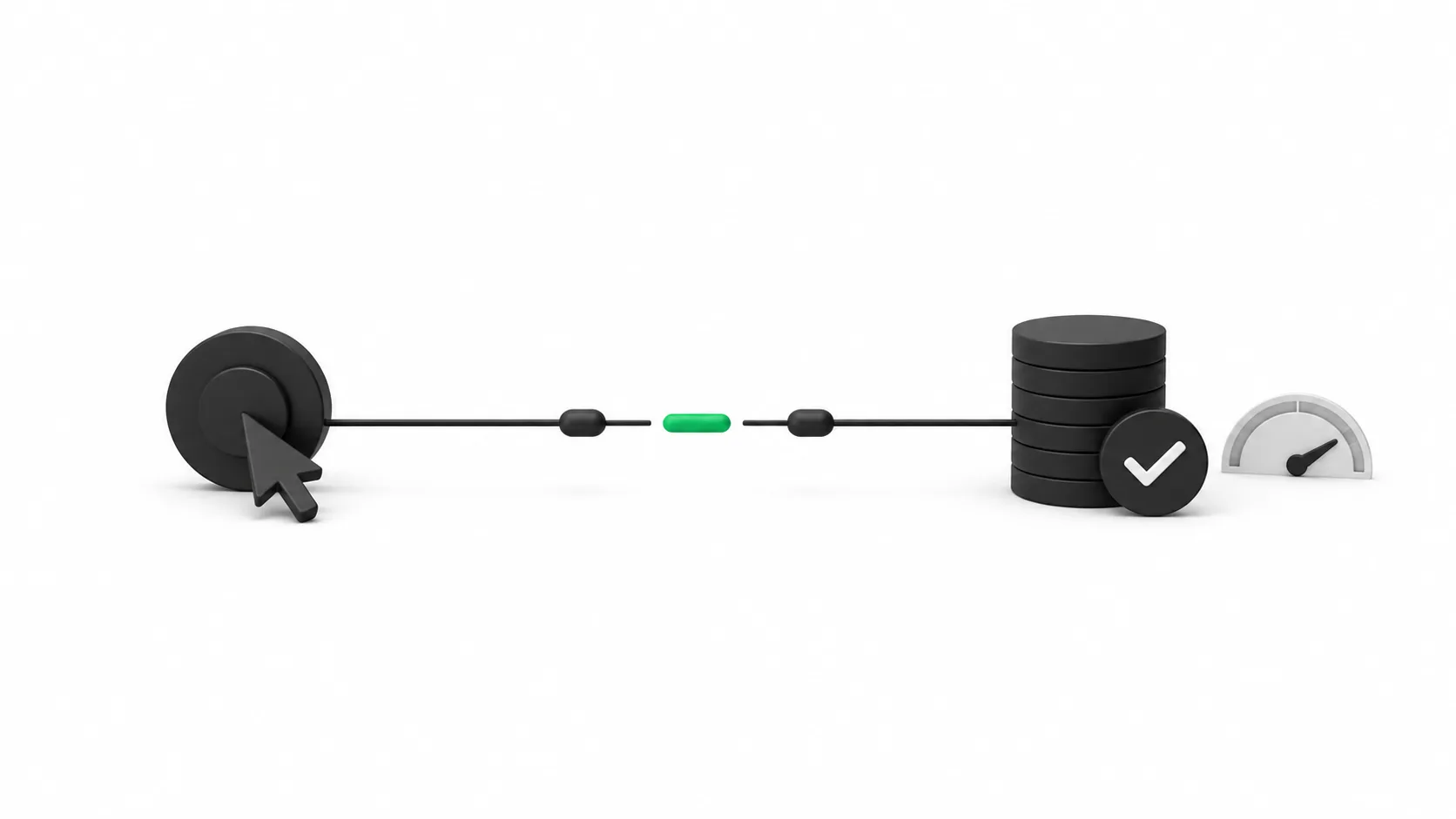
Before you worry about bids, budgets, or which keyword is winning, there is one question that decides whether any of it can work: is Google Ads actually counting your sales? Conversion tracking is the wire that connects a click to a booking, a form fill, or a phone call. When that wire is loose, everything downstream is guesswork, and you usually do not find out until you have paid for a month of it.
The frustrating part is that a broken tracker rarely looks broken. The campaigns keep running, the clicks keep coming, and the dashboard keeps showing numbers. They are just the wrong numbers, or none at all. Here is why conversion tracking quietly fails, how to spot it, and the exact way the AI managers check it before a single dollar gets optimized on bad data.
What a conversion actually is
A conversion is the specific action you decided is worth money: a completed checkout, a submitted quote form, a booked appointment, a phone call over a certain length. Google only knows one happened if a small piece of tracking fires at the right moment and reports it back. If that report never arrives, the sale still happens in real life. Google just never hears about it, so as far as the auction is concerned, that click earned you nothing.
That matters because Google's automated bidding steers toward conversions it can see. Feed it accurate data and it pushes budget toward the searches that book. Feed it blanks or duplicates and it optimizes toward noise, spending more to get less. Tracking is not a reporting detail. It is the steering wheel.
Google's own data exclusions guidance confirms this directly: when a tag stops firing or an import breaks, the bid strategy can learn from a false picture unless the bad window is excluded. That guidance exists precisely because tracking failures teach the algorithm the wrong lesson.
The common reasons tracking breaks
Most tracking failures come from a short list of causes, and none of them require a mistake on your part to appear over time:
- The tag was never placed correctly. The conversion snippet or Google tag sits on the wrong page, or not on the confirmation page at all, so the action completes but nothing fires.
- A site change wiped it out. A new theme, a rebuilt checkout, or a fresh landing page ships without the tag, and tracking silently goes dark the day the site goes live.
- The wrong thing is counted. Page views or button clicks get logged as conversions, so the number looks healthy while counting actions that never turned into revenue.
- Everything is double counted. Two tags fire on one purchase, or every reload of the thank-you page books another conversion, and your reported results drift far above reality.
- Phone calls and forms are missing. The store books plenty of business by phone or through a form that emails you, but none of that is wired into Google, so a big share of real conversions never counts.
- Consent and privacy settings block it. A cookie banner or consent setting stops the tag from firing for a slice of visitors, and reported conversions quietly fall below what actually happened.
The signs your numbers are off
You do not need a specialist to smell a tracking problem. A few patterns give it away. Conversions that drop to zero overnight with no other change usually mean a tag stopped firing, often right after a site update. Conversion counts that look far too high, like more purchases than your own records show, point to double counting. A cost per conversion that seems impossibly good, or impossibly bad, next to what you know a customer is worth is another tell.
The simplest check is the one people skip: compare the conversions Google reports against what your own books say for the same week. If Google claims forty leads and your inbox holds twelve, the tracker, not the campaign, is the first thing to fix. Chasing bids and keywords before that gap closes is money spent on the wrong problem.
Why this comes before the budget question
It is tempting to treat tracking as a technical chore to get to later, after you sort out spend and targeting. That order is backward. Every decision that follows, how much to spend on Google Ads, which campaigns to scale, which keywords to cut, depends on knowing what actually converted. Optimize on broken tracking and you will confidently pour budget into the wrong places, because the data told you to.
This is also why a good audit starts here. Fixing tracking is the highest-leverage thing most accounts can do, because it makes every later decision honest. Get it right once and the whole account starts telling the truth.
How the AI managers check it, safely
Reading your account for tracking problems is a look-only job, and that is exactly how the AI managers do it. The Auditor reads the account and never writes to it. It checks whether conversion actions are set up, whether they are firing, whether anything is counted twice, and whether phone calls or forms are being missed, then reports the gaps in plain language: what is broken, and what it is likely costing you.
Nothing is changed on that read. When a fix is needed, it is written up as a proposal, shown to you before anything runs, with the reason behind it. You approve it or you do not. That is the same guardrail the AI managers apply to every part of the account: find the problem, show you, wait for your yes. Tracking is where it starts, because a fix here makes every other approval you give afterward rest on real numbers.
Where to start
If you suspect your conversions are not counting, do not guess and do not rebuild everything at once. Start your free account audit to find out exactly which conversion actions are firing, which are silent, and where real sales are slipping through untracked. See the gaps first. Fix the wire before you touch the budget, and only once you have said yes. Everything you do after that will finally be built on numbers you can trust.
AdvisorPPC's AI managers are built using the Claude API from Anthropic. AdvisorPPC is not affiliated with or endorsed by Anthropic.