August 15, 2026 · 8 min read
Google Ads Invalid Clicks: What Gets Filtered
Learn what Google counts as invalid clicks, where to see filtered traffic and credits, and how to investigate suspicious paid-search activity.
By the AdvisorPPC Team · Reviewed by Claude
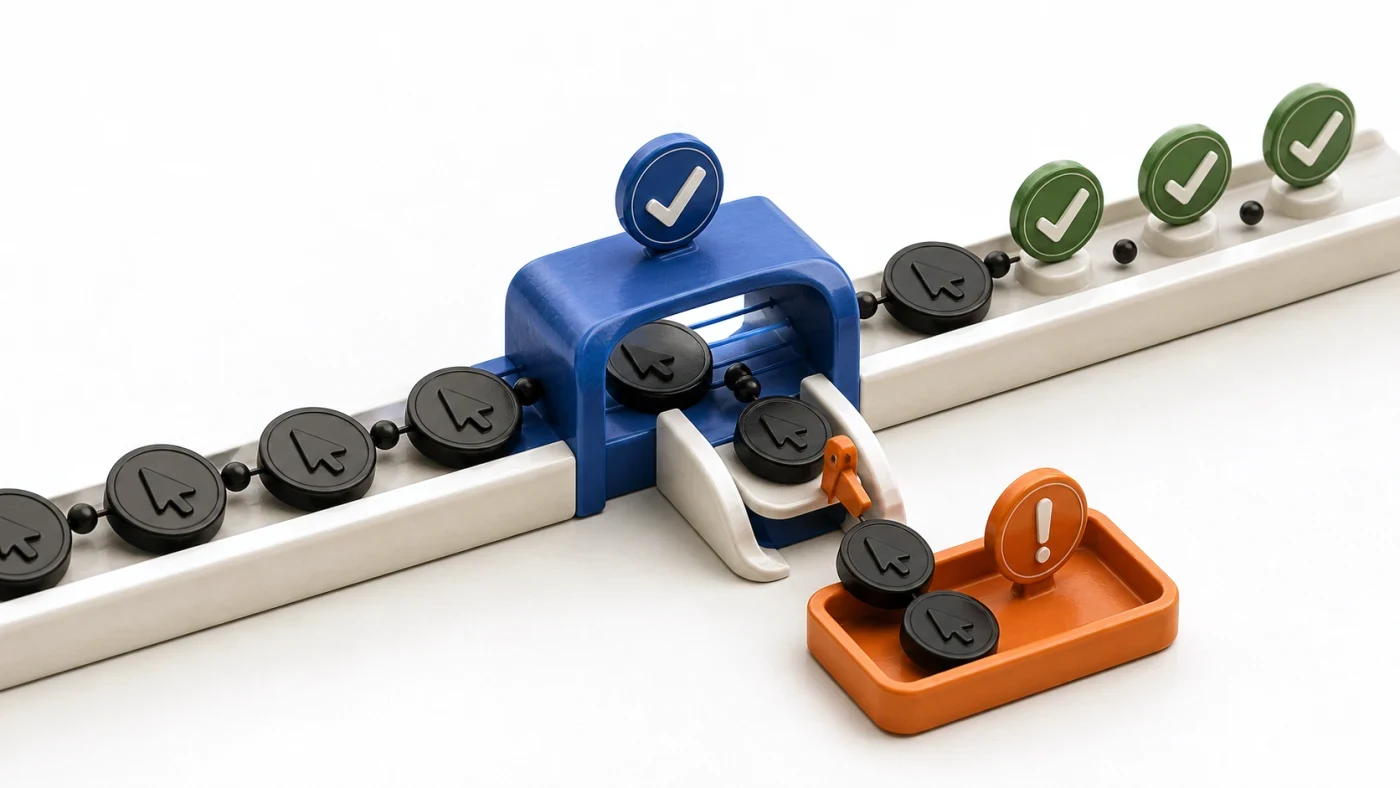
Invalid clicks are ad interactions Google determines did not come from genuine user interest, including accidental repeats, automated tools, and deliberate cost inflation. Google says detected invalid activity is filtered or credited, but advertisers should still compare click, session, location, and lead patterns before deciding that a traffic spike is fraud.
What does Google classify as an invalid click?
Google's invalid-click definition includes accidental duplicate clicks, automated clicking tools, and manual clicks intended to raise an advertiser's costs. That definition is narrower than 'a click that did not buy.' A real person who considered your offer and left can still be a valid click.
Separate click validity from query quality. A real search for a job, tutorial, or free template may be valid traffic and still be wrong for your business. Fix that through the Search Terms report and negative keywords, not a fraud claim.
Where can you see filtered clicks and credits?
Add the Invalid clicks and Invalid click rate columns at campaign level. Google's current invalid-traffic guidance explains that activity filtered before billing is removed from charges, while later findings can appear as credits. Check billing adjustments as well as performance columns because the two views answer different questions.
Do not compare Ads clicks directly with Analytics sessions and call the difference fraud. Multiple clicks can belong to one session, a page can fail before analytics loads, and tracking parameters can be stripped. First verify conversion tracking and auto-tagging.
How should you investigate a suspicious spike?
- Lock the date range and identify the campaigns, networks, devices, and locations that changed.
- Compare Search and Search Partners separately instead of averaging unlike inventory.
- Read search terms and lead details for relevance without exposing personal data.
- Check site releases, tag changes, bot filtering, and form spam during the same period.
- Preserve the report and billing evidence before requesting a platform investigation.
Location mismatches can also come from targeting options rather than malicious clicks. Review location targeting mistakes before blocking IP addresses or excluding a market you actually serve.
Which fixes improve traffic quality without guessing?
Tighten match types only where the search terms justify it, add precise negatives, separate partner traffic for analysis, and make the landing page state the service and service area clearly. These controls reduce unwanted eligible traffic. They do not prove that previous clicks were invalid.
If the pattern remains unexplained, submit Google's click-quality investigation with the dates, campaigns, and evidence. Avoid promising a credit: the platform decides whether activity is invalid and whether an adjustment applies.
How should an AI manager handle invalid-click alerts?
An AI manager can monitor the invalid-click columns, isolate unusual segments, and prepare a plain-language evidence packet. It should label the finding as suspicious, filtered, credited, or unresolved. It should not collapse those states into 'fraud.' Any targeting, exclusion, or budget change should remain a proposed action until an authorized user approves it.
Start with the account evidence, then review where wasted ad spend hides.