August 24, 2026 · 9 min read
Meta Pixel vs Conversions API
Compare browser and server event paths, understand deduplication and consent, and validate Meta measurement without double-counting conversions.
By the AdvisorPPC Team · Reviewed by Claude
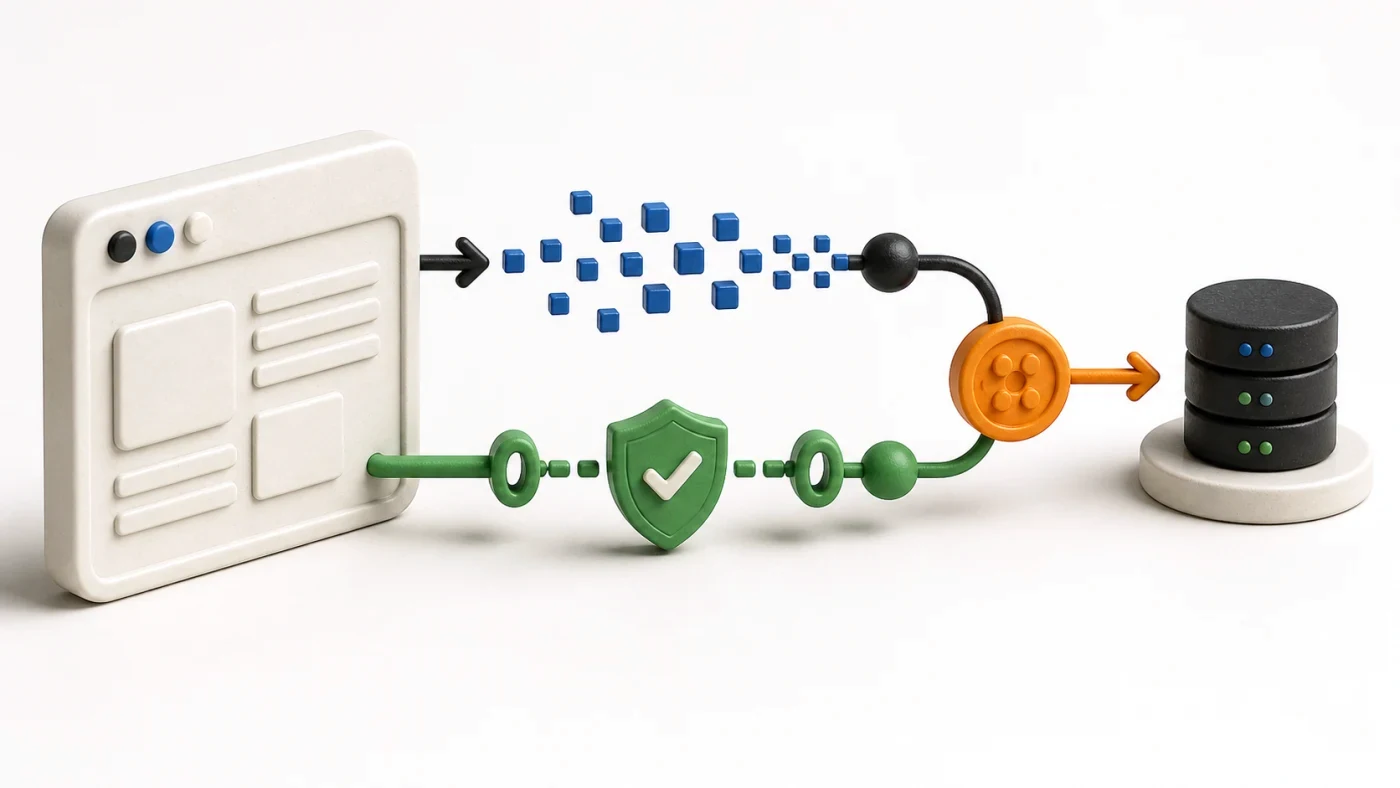
The Meta Pixel sends website events from the browser; Conversions API sends events from a server or approved connection. They are complementary, not mutually exclusive. A robust setup often uses both with matching event names and identifiers so Meta can deduplicate the same outcome, while consent, data minimization, and business-record accuracy remain essential.
What does the Meta Pixel measure?
The Pixel observes browser-side actions such as page views, leads, and purchases when the site and consent state allow it to run. It can capture useful browser context, but blockers, connection failures, navigation timing, implementation errors, and privacy choices can interrupt that path.
Use Meta's current Meta Pixel information for supported setup options. A Pixel loaded in the page source is not proof that the correct event fired once with the right parameters.
What does Conversions API measure?
Conversions API sends permitted marketing events from a server, partner platform, gateway, or other approved connection. It can carry outcomes that the business knows, including later funnel stages, without relying only on the browser request. It is not a way to bypass a user's consent choice or send every CRM field.
Meta's Conversions API documentation describes the supported event path and parameters. Follow the live documentation and your legal requirements when selecting customer information and data-processing settings.
Why use Pixel and CAPI together?
The browser path provides page context and the server path can add durable business outcomes. Together they can improve resilience and event quality when implemented correctly. The goal is one truthful business event with two coordinated delivery paths, not two conversions in reporting.
Keep the optimization event aligned with the campaign. A lead, qualified lead, and purchase are different outcomes. The same discipline used for GA4 key events and Ads conversions applies here: name each stage and decide which one guides delivery.
How does event deduplication work?
When the same event is sent through browser and server, align the event name and a stable event identifier so Meta can recognize the duplicate paths. Generate the identifier once for the business event and pass it to both. Do not reuse one identifier across different purchases or generate unrelated identifiers for the same purchase.
- Verify browser and server events in a controlled test flow.
- Confirm event name, identifier, time, value, currency, and source URL where applicable.
- Inspect warnings, received versus deduplicated counts, and delayed server events.
- Reconcile purchase or lead totals with the source-of-truth business system.
- Keep sensitive customer data out of URLs, browser logs, and ordinary application logs.
What should an AI manager be allowed to do?
It can read diagnostics, compare browser and server event quality, identify likely duplicates, and stage a mapping fix. Enabling a connection, changing sent customer fields, or switching the optimization event needs explicit approval and a fresh end-to-end test. Measurement changes can alter both reporting and delivery.
Fix the signal before acting on the Meta learning phase, and keep every proposed write behind an approval gate.