Published · 4 min read
Ask Claude what your website is missing: Gravity is now a Claude connector
Gravity is the AdvisorPPC product for the website side: the keywords you target, the pages you plan and publish, the leads your forms capture, and how the site performs in search.
By the AdvisorPPC Team · Reviewed by Claude
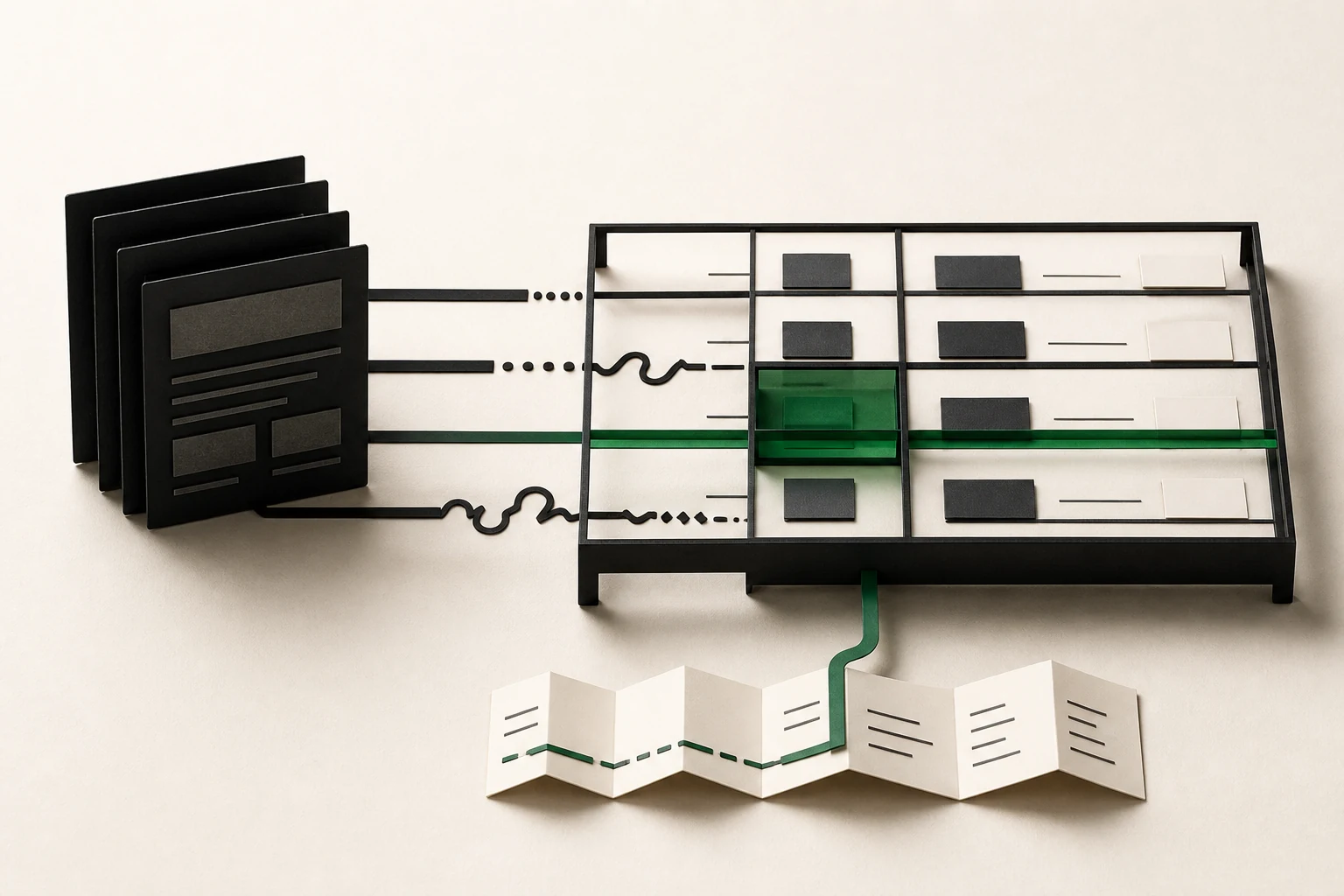
Most small businesses run their ads and their website as two separate jobs. The ads account knows which searches cost money. The website knows which pages exist, which forms bring in leads, and how the site ranks. When the two never meet, you end up paying for clicks on searches your site has no good page for.
Gravity is the AdvisorPPC product for the website side: the keywords you target, the pages you plan and publish, the leads your forms capture, and how the site performs in search. From today you can ask Claude about all of it in plain language.
What Claude can read
The read-only Gravity connector publishes nothing, edits nothing, sends nothing and deletes nothing, and none of its tools asks for a password. Here is what it covers:
| Question you might ask | What Gravity reads |
|---|---|
| How are my sites doing this month? | Workspace overview: sites, keywords, planned content, lead totals |
| Which keywords have no page yet? | Content gaps, largest search volume first |
| What is about to publish? | The editorial calendar and the publishing queue |
| What did the last audit find? | Stored SEO and AEO scores, findings by severity |
| Which queries are close to page one? | Search Console queries, clicks, impressions, position |
| Which landing pages bring results? | GA4 landing pages with sessions and key events |
| Are leads coming in? | Lead counts only: total, new, converted, spam, waiting |
Lead answers are counts, not names. That is deliberate: Claude can tell you a form stopped producing leads without anyone's details passing through the conversation.
How to connect it
In Claude, open Settings, then Connectors, and add a custom connector. Use https://gravity.advisorppc.com/claude-directory for the read-only connector, or https://gravity.advisorppc.com/mcp for the full connector that can also make changes. Claude opens AdvisorPPC sign-in and workspace consent, where you choose the workspace Claude may use. If you only want answers, the read-only address is all you need.
For Search Console and GA4 answers, connect Google for the site in your AdvisorPPC workspace first. Gravity reads Google only under the account you connected.
Reads first, then one careful change
The habit we recommend is simple: ask four questions before you ask for any change.
- "How are SEO, content and leads going across my sites this month?"
- "Which keywords I track still have no page? Rank them by search volume."
- "What did the last site audit find, most severe first?"
- "Which Search Console queries are close to page one but get few clicks?"
Only then ask for something to change. On the full connector, a site preference change is the one to start with: "Change one of my main site's preferences, and show me the preview first." Gravity previews the change without saving it, and saving waits for your confirm. Read the preview the way you would read a colleague's suggestion.
Plans
Gravity is a separate product from the main AdvisorPPC connector. If you also use the main connector: Free is now 3x. Free reads Google Ads, GA4, Tag Manager, Search Console and YouTube, with no card; changes start on a paid plan.
If something goes wrong
Opening the connector address in a browser returns 401. That is expected: it is an endpoint for Claude, not a web page. If Claude says a platform is not connected, connect your accounts at https://mcp.advisorppc.com/dashboard. If the connector shows as disconnected, remove it and add it again. The full setup guide is in the Academy under Connect AdvisorPPC with Claude.
What a good first week looks like
Day one, connect the read-only address and ask the overview question. Note what surprises you: a site with more planned content than you remembered, or a lead count lower than your inbox suggests. Day two, ask for content gaps and compare the top three with the searches your ads already pay for. Where a paid search has no page, you have found the cheapest kind of fix: a page that serves both channels.
The point
A connector is only useful if it helps you decide better. Gravity does not try to replace your judgement about what your site should say. It saves you the hour of collecting keyword, audit and lead data from four places before you can even start thinking. Ask it first, read what it found, and make the change when you are sure.
Setup guide and product
Gravity: Connect with Claude setup guide. Gravity.