July 24, 2026 · 7 min read
AI Tools for Google Ads: What They Actually Do and Where You Stay in Charge
AI already touches most of your Google Ads account, whether you added a tool or not. Here is what it actually does well, where it drifts, and how to evaluate any AI ads tool before you let it near live spend.
By the AdvisorPPC Team · Reviewed by Claude
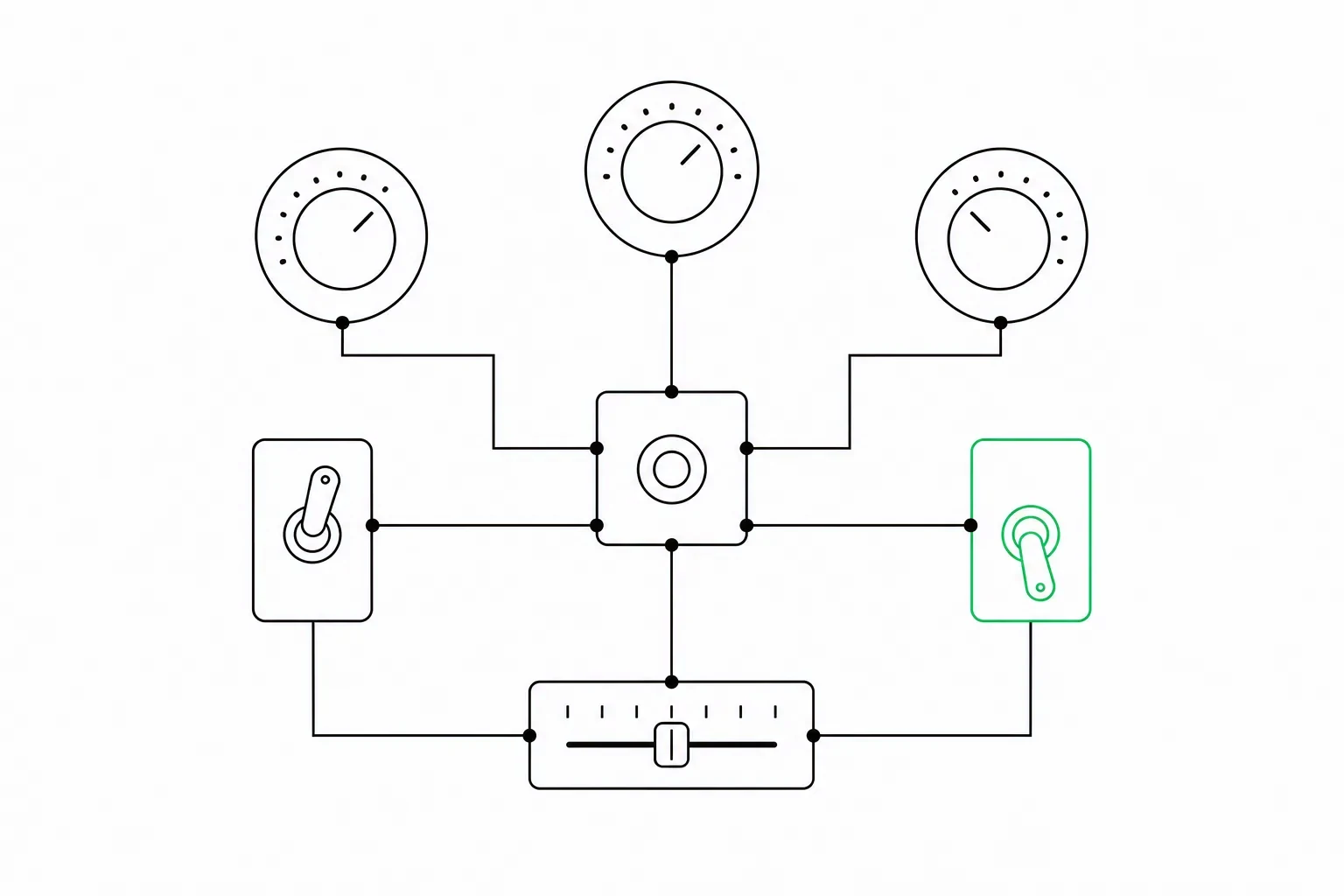
If you have never installed a single AI tool, AI is still making decisions inside your Google Ads account right now. Smart Bidding sets your bids automatically based on a prediction of who is likely to convert. Performance Max assembles your ads and picks placements without you choosing either. Automatically created assets generate headlines and descriptions on Google's own initiative unless you turn the setting off, a behavior Google documents in its asset-use guide. The question most owners are actually asking when they ask about "AI tools for Google Ads" is not whether to start using AI, it is whether to add more of it on purpose, and how much control to keep for themselves when they do.
AI already runs more of your account than you think
Smart Bidding strategies like Target CPA and Maximize Conversions adjust your bid in every single auction, factoring in device, time of day, location, and dozens of other signals faster than a human could evaluate them manually. Google's Smart Bidding overview describes what each strategy actually optimizes toward, which is worth reading before you assume two strategies behave the same way. Performance Max goes further, automating the targeting and creative assembly decisions on top of the bidding; see how to get more out of a Performance Max campaign for the levers you still control. None of this is opt-in in the way a third-party plugin is opt-in. It is the default behavior of the platform, and most active accounts are already running on it whether the owner thought of it as "AI" or not.
What Google's built-in AI does well and where it drifts
Where it works well: pattern recognition at a volume no human could replicate, applied consistently across thousands of auctions a day, adjusting bids in real time to signals a person would never manually track. That part of the job is genuinely suited to automation. If you are deciding whether to hand bidding over at all, Smart Bidding versus manual bidding walks through the tradeoff directly.
Where it drifts: the automation optimizes strictly to the data and the goal you gave it, and it has no independent sense of your margins, your capacity to fulfill more bookings, or your brand. If you set a conversion goal that counts a low-value lead the same as a high-value sale, Smart Bidding will happily chase more of the cheap ones because that is what you told it to optimize for. It also tends to spend toward whatever converts most easily inside its own tracked data, which is not always the same as what is best for the business. Left with a loose goal and no guardrails, it will do exactly what you asked, which is not always what you meant.
The categories of third-party AI tools
Beyond what Google builds in, a growing set of third-party tools apply AI to Google Ads accounts. They generally fall into a few categories, independent of any specific brand.
- Audit and analysis tools that read an account and surface issues, without making any changes themselves.
- Bid and budget automation layered on top of, or instead of, Google's native Smart Bidding.
- Creative generation tools that produce ad copy, images, or video assets from a prompt or a product feed.
- Agent-style managers that combine analysis, recommendations, and the ability to make changes directly in the account, ideally with an approval step in between.
None of these categories is inherently better than another. The right one depends on how much of the work you want to hand off and how much oversight you want to keep, which is really the same question either way.
What AI is genuinely good at in PPC
Strip away the marketing around any of these tools and the genuine strengths are consistent: processing a high volume of data points at once, applying a rule the same way every time instead of drifting with fatigue or mood, and running on a cadence a person could not sustain, like checking every keyword's Quality Score components daily instead of once a quarter. AI is also reliably good at logging: recording exactly what changed, when, and why, in a way manual account management routinely skips because it is tedious.
What must stay human
Business goals do not live inside the ad platform's data. Only you know your actual margin per sale, which products or services you have the capacity to deliver more of this month, what your brand should and should not say, and which tradeoffs are worth making between volume and profitability. No AI tool, built-in or third-party, has access to that context unless you give it to them explicitly, and even then, the judgment calls that involve real risk to the business are worth a human looking at before they go live.
How to evaluate any AI ads tool
Before connecting any AI tool to a live account, a short checklist separates the ones worth trusting from the ones worth avoiding.
- Can it start read-only, so you can see what it would do before it touches a single setting?
- Does it show its reasoning for a recommendation, or just hand you a number with no explanation?
- Is there an approval gate before changes go live, or does it act unilaterally on your account?
- Does every change it makes get logged somewhere you can review later, not just applied silently?
- How easy is it to disconnect the tool and revert to manual control if it is not working out?
A tool that fails most of this checklist is asking for a level of trust it has not earned yet, regardless of how good its underlying model is. If you are also trying to figure out where an account is losing money in the first place before automating anything, that diagnostic work is worth doing manually first, so you know what you are actually asking any AI tool to fix.
This is the philosophy we build AdvisorPPC around: AI managers that work inside your existing Google and Meta ad accounts, with Microsoft coming soon, starting with a free read-only audit. Every applied change is logged and explained. Manual asks before every write; optional bounded Auto is limited to eligible campaign-status and negative-keyword changes, while budgets and bids always require approval.
AdvisorPPC's AI managers are built using the Claude API from Anthropic. AdvisorPPC is not affiliated with or endorsed by Anthropic.