July 24, 2026 · 7 min read
Performance Max Optimization: What You Can Actually Control
Performance Max hides targeting and placement behind automation, but you still control more of the outcome than it looks like. Here is what to work on.
By the AdvisorPPC Team · Reviewed by Claude
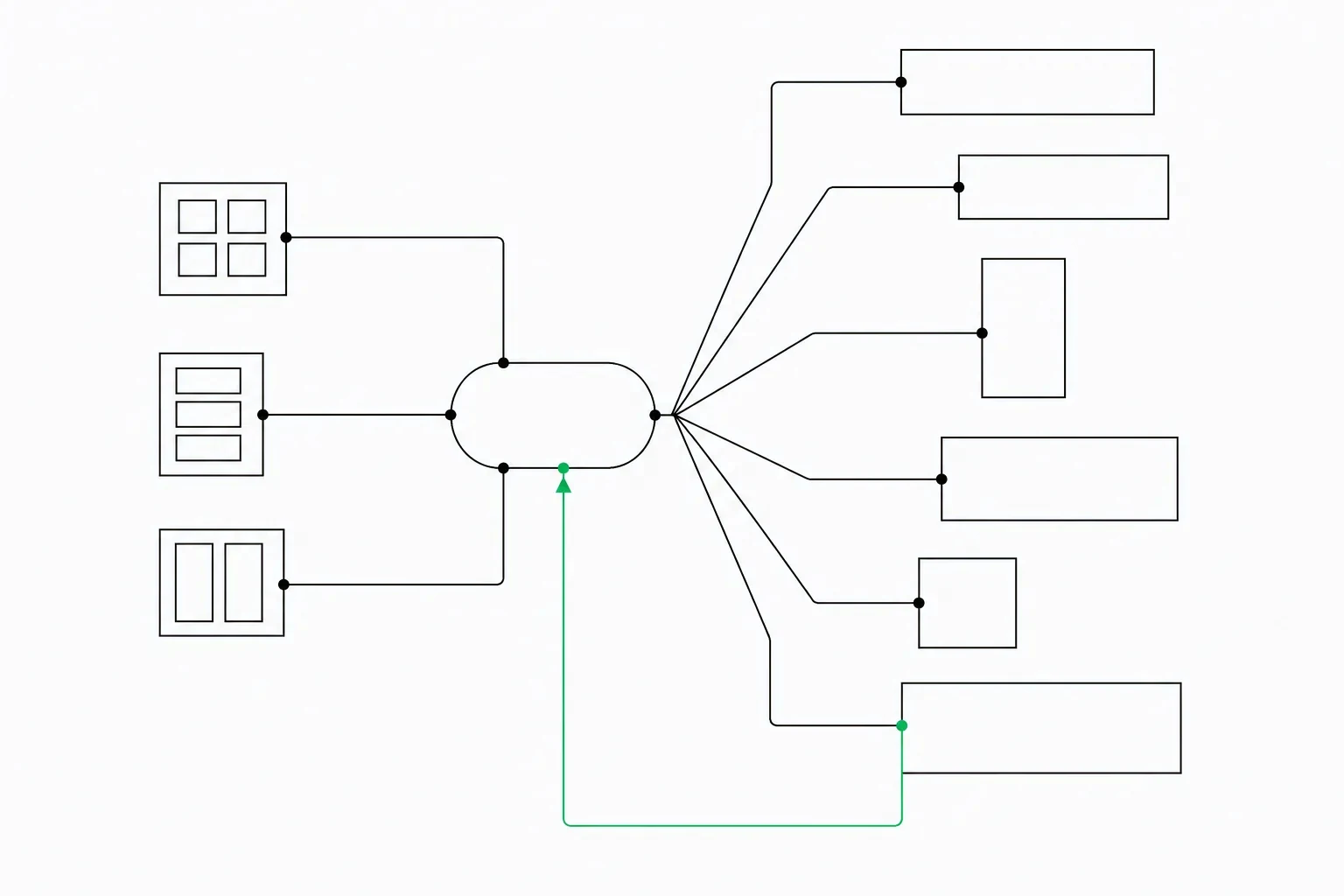
Performance Max campaigns feel different from every other campaign type in Google Ads, and not in a good way for most owners. You set a budget and a goal, upload some assets, and then watch the campaign run across Search, Display, YouTube, Gmail, Maps, and Discover with almost no visibility into which channel is doing the work or why an ad showed to a particular person. It behaves like a black box, and the instinct is to conclude there is nothing left to optimize.
That instinct is wrong. Google automated the targeting and placement decisions, not the whole campaign. There is still a real set of levers you control, and the accounts that perform well with Performance Max are the ones where someone works those levers deliberately instead of uploading assets once and walking away.
Why PMax feels like a black box
In a Search campaign, you choose keywords, write the ad, and set a bid. You can trace a click back to a specific search term. Performance Max removes that chain. Google's models decide which of your assets to assemble into an ad, which channel to show it on, and which audience segment is likely to convert, all inside a single campaign. The reporting you get back is a summary of outcomes, not a log of decisions.
This is by design. Google built Performance Max to find inventory and audience combinations a human would not think to test, across every surface Google owns at once. The tradeoff is that you give up the keyword-level and placement-level control you had elsewhere. Fighting that tradeoff by demanding search-term-level detail from PMax is a waste of energy. The better use of your time is to focus on the inputs that actually shape what the automation does.
The levers you still own
Five things remain fully in your hands, and each one materially changes performance.
- Asset groups: how you organize your products or services into groups, each with its own creative and its own audience signal.
- Audience signals: the starting hint you give the algorithm about who to look for.
- Campaign goals: what you tell the campaign to optimize toward, which shapes every downstream decision it makes.
- Budgets: how much you are willing to spend, and how that spend is allowed to shift across the account.
- Exclusions: brand controls, negative keywords at the account level, and content exclusions that keep the campaign off placements you do not want.
None of these are cosmetic settings. They are the actual mechanism you use to steer the campaign, and most underperforming PMax accounts are underperforming because these five things were set once at launch and never revisited.
Asset groups are your targeting now
If keywords used to be how you told Google what you sell, asset groups are the closest equivalent inside Performance Max. Structure them the same way you would have structured tight ad groups: one theme per group, not one giant group covering everything you offer. A business selling both consulting services and a software product should almost never combine them into a single asset group, because the automation cannot tell the difference between a click meant for one and a click meant for the other if the creative and signals are blended together.
Inside each asset group, fill out every slot Google gives you. Headlines, long headlines, descriptions, images in every required aspect ratio, logos, and video if you have it. An asset group with minimum-viable inputs gives the algorithm fewer combinations to test and fewer ways to match the right creative to the right person. Incomplete asset coverage is one of the most common, and most fixable, reasons a PMax campaign underperforms.
Audience signals are hints, not targets
It is easy to misread audience signals as a targeting setting, the way audience targeting worked in Display campaigns. It is not that. A signal is a starting point you hand to the algorithm, telling it roughly who converts, and the algorithm is free to expand well beyond that group if it finds better performance elsewhere. Feed it your best available data: customer match lists from your CRM, remarketing lists from your site, and a few interest or in-market categories that genuinely match your buyer. The search themes versus audience signals guide goes further into which input actually moves the campaign and which one is closer to a hint Google can ignore.
A weak or generic signal, or none at all, forces the campaign to spend its early learning phase discovering an audience from scratch, which usually costs more and takes longer than pointing it toward data you already have. Revisit these signals when your customer base changes, not just at launch.
Account-level negatives and brand exclusions
Performance Max historically accepted fewer negative keywords than Search campaigns, but account-level negative keyword lists do apply to it, and brand exclusion controls let you decide whether the campaign is allowed to bid on your own brand terms. If you already run a dedicated brand campaign, letting Performance Max also compete for those same searches usually just cannibalizes traffic you would have gotten anyway, at a real cost.
Check the account-level negative list periodically against the search category insights described below. If the campaign is spending on searches that are clearly off-topic, adding those terms to the account-level list is one of the few direct, keyword-style controls you still have. For where the ads themselves are allowed to show, Google's own content suitability guide and its placement exclusion guide document current scope and supported entry formats by inventory type.
Reading what reporting Google does give you
The reporting is thinner than Search, but it is not empty. Asset ratings tell you, on a low-to-good-to-best scale, which individual headlines, images, and descriptions are pulling their weight inside each asset group, so you know what to replace. Search category insights and search themes give you an approximation of what people were searching for when your ad showed, which is the closest thing to a search terms report you get. Where the account has it, channel-level performance breakdowns show whether spend is landing more on Search, Display, or YouTube.
None of this replaces keyword-level granularity, but read together and checked on a schedule, it tells you enough to act: swap out consistently low-rated assets, add exclusions where the search themes drift off-topic, and adjust budget where a channel is clearly carrying the campaign.
When a search campaign is the better tool
Performance Max is not the right tool for every goal. If you need to control exactly which search terms trigger your ad, if you are protecting a small number of high-intent, high-value keywords, or if the campaign's opaque reporting makes it impossible to justify the spend to yourself, a dedicated Search campaign gives you back the precision PMax trades away. Many accounts run both side by side: Search for the terms that must be controlled tightly, Performance Max for the broader reach. If you are trying to decide which structure fits your account, the tradeoffs between the two are worth working through in detail before you commit budget either way.
The takeaway is not that Performance Max is unmanageable. It is that the management moved from keyword bids to asset groups, signals, goals, budgets, and exclusions. Work those five levers on a regular schedule, read the asset ratings and search themes honestly, and the black box starts behaving like a campaign you are actually running instead of one running you.