September 3, 2026 · 8 min read
Google Ads Audience Exclusions: Where They Do and Do Not Apply
How to exclude existing customers and job seekers in Google Ads, where exclusions silently fail to apply, and when they starve a campaign of volume.
By the AdvisorPPC Team · Reviewed by Claude
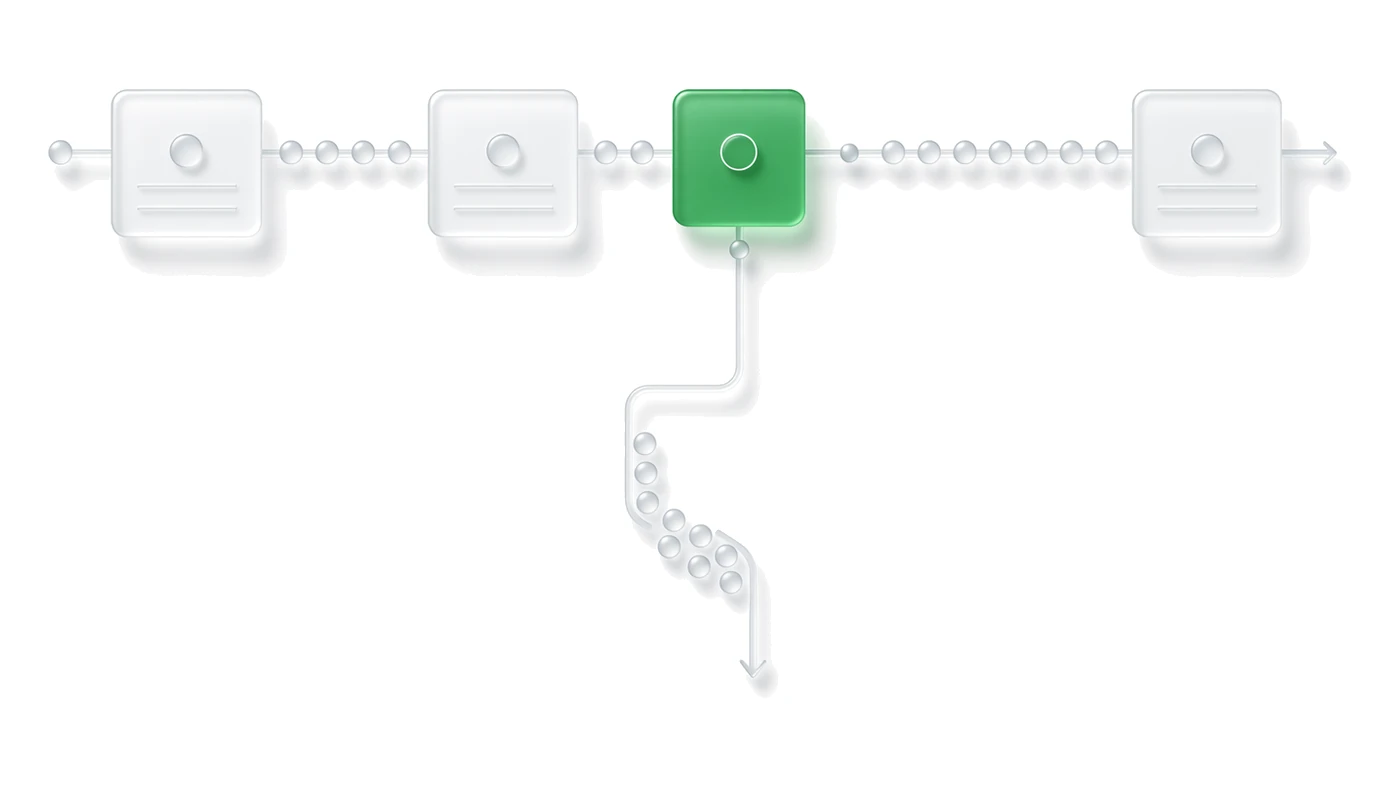
Audience exclusions decide who your budget is not allowed to chase. The decision this post settles is which exclusions belong in a lead-gen account by default, which campaign types quietly ignore them, and how to tell the difference between a useful exclusion and one that is starving the campaign of the volume it needs to spend its budget.
What should every lead-gen account exclude by default?
Two groups almost never belong in the buyer pool: people who already bought or already converted, and people who are job hunting rather than shopping. Existing customers waste spend on a click that will not produce incremental revenue unless the offer is genuinely a repeat-purchase or renewal play. Job seekers show up on B2B service accounts because Google's employment-related audience segments overlap with the same in-market and affinity categories that buyers browse, and a lead form built for prospects will happily accept a resume inquiry.
Build both exclusions from a real list, not a guess. A Customer Match list built from CRM data is the reliable way to exclude past converters; a keyword-and-audience combination is the only practical way to filter job seekers, since there is no single toggle for it.
Where do audience exclusions actually apply?
Search, Display, YouTube, and Demand Gen campaigns accept audience exclusions at the campaign or ad group level, and Google documents the mechanics on its audience targeting and exclusions page. Shopping campaigns support the same exclusion structure. The exclusion suppresses eligibility before the auction runs, so an excluded user's search or browsing session simply does not generate an impression for that campaign.
Remarketing list size and freshness also change what an exclusion actually removes. Review audience windows before assuming a list still reflects who bought last month, since a stale membership window keeps excluding people who are eligible to buy again.
Why does Performance Max ignore some exclusions?
Performance Max does not give you the same granular audience exclusion control as Search or Display. The campaign type accepts brand-list exclusions and a limited set of content and account-level controls, but it was not built around list-based negative audience targeting the way older campaign types were. An account-level Customer Match exclusion, applied through account settings rather than the campaign, is the workaround most managers rely on to keep past converters out of PMax.
Confirm current PMax exclusion behavior against the Performance Max help center before promising a client that a campaign-level exclusion is doing anything there. The same account-level control also underlies brand exclusions in PMax, which is the closest thing to a reliable negative signal that campaign type currently offers.
How do you exclude existing customers without excluding return buyers you want?
Segment the Customer Match list by what was purchased and when, not by a single all-time customer flag. A repeat-purchase business wants past buyers back in the pool after the natural reorder window; a one-time-service business wants them out permanently. Uploading one undifferentiated list and excluding it everywhere treats both cases the same and quietly caps revenue from the customers most likely to convert again.
- Exclude lifetime customers from acquisition campaigns whose goal is new-customer volume.
- Keep a separate remarketing campaign that targets those same customers with a renewal or upsell offer.
- Refresh the exclusion list on the same cadence as the CRM export, not once at setup.
How do you keep job seekers out of a B2B lead form?
Layer three things: negative keywords for job-search terms and career-page phrasing, an audience exclusion on Google's employment and job-search segments where the campaign type supports it, and a qualifying question on the form itself that a job applicant has no reason to answer correctly. None of the three catches everything alone. The keyword list stops the search query before the click; the audience exclusion reduces exposure on Display and YouTube; the form question is the last filter for whatever gets through.
What list size stops an exclusion from working?
Google will not use a Customer Match list to target or exclude until it clears a minimum matched-user threshold, and that threshold is higher for Display, Gmail, and YouTube than it is for Search and Shopping. A newly uploaded list from a small business, or a list segmented too narrowly by product line, can sit below that threshold and simply never activate, with no error surfaced anywhere in the interface. Check the audience's status in the account before assuming an exclusion is live.
The official Customer Match requirements page carries the current minimums and eligibility rules. A list that never crosses the threshold is not an exclusion, it is an unused upload.
When does excluding too much start starving volume?
Every exclusion shrinks the pool of people the campaign is allowed to reach. Stack a past-customer exclusion, a job-seeker exclusion, a competitor-employee exclusion, and a handful of remarketing exclusions on a campaign already limited by a small geography or a narrow keyword set, and the auction can run out of eligible users before the daily budget is spent. That shows up as underdelivery and a shrinking impression count, not as an obvious error, so it gets missed until someone checks where the spend actually went.
Audit exclusions the same way you audit negative keywords: review what each one is actually removing, not just what it was built to remove, and cut any exclusion whose original reason no longer applies.
An exclusion only does something if the campaign type supports it and the list clears Google's minimum size, so verify both before crediting or blaming an exclusion for a change in volume.