August 27, 2026 · 8 min read
Google Ads Customer Match: When the List Work Is Worth It
Customer Match asks for hashed lists, consent records, and steady list refreshes before it earns its keep. Here is exactly when that trade pays off.
By the AdvisorPPC Team · Reviewed by Claude
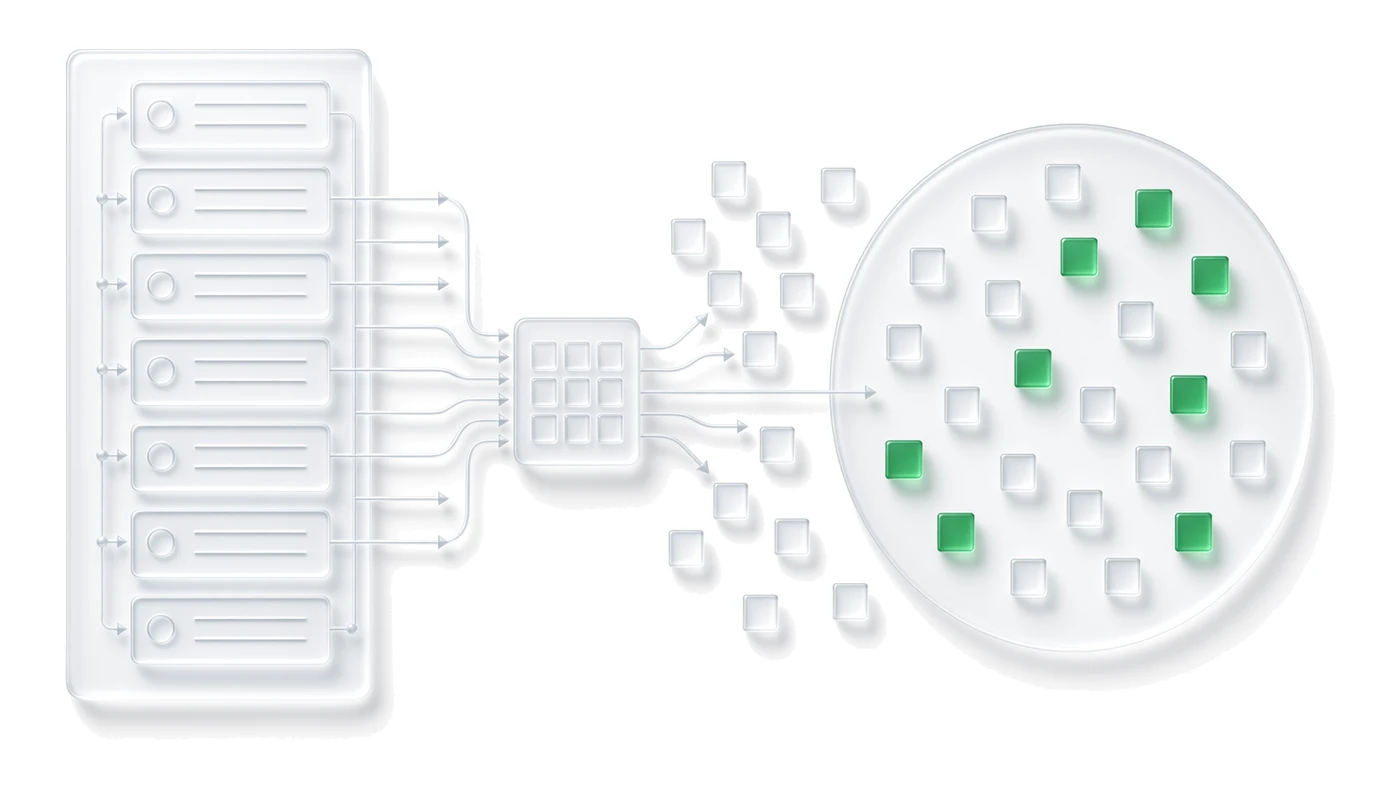
Customer Match lets you upload a hashed list of emails, phone numbers, or mailing addresses and use it to target or exclude those people across Search, Shopping, Display, YouTube, and Gmail. The decision this post settles is when the list hygiene, hashing, and consent work it requires actually earns back its cost, and when Smart Bidding's own signals already do the job without it.
What is Customer Match actually good for?
The clearest wins are lists where you know something about the person that Google's own signals cannot infer from on-site behavior: past purchasers you want to win back, current customers you want to exclude from acquisition spend, high-value accounts a B2B team wants to bid up on, or a seed list you want the auction to build a similar audience from.
It is weaker as a general-purpose remarketing replacement. If the goal is simply reaching recent site visitors, standard remarketing lists already cover that without the hashing and consent overhead. See the remarketing audience windows guide before deciding Customer Match is the right tool for a visitor list.
How clean does the list need to be before uploading?
Match rate drops fast on a dirty list. Deduplicate before upload, drop addresses that bounced in your own email platform, normalize casing and whitespace, and remove anyone who unsubscribed or opted out. A list built from a CRM export six months ago will underperform one refreshed last week, because emails go stale and phone numbers get reassigned.
- Refresh the list on a schedule, not once at setup.
- Strip test accounts, internal staff, and vendor contacts before upload.
- Keep the source system as the record of consent, not the exported file.
What match rate should you expect?
Match rates commonly land in the 40 to 70 percent range because Customer Match can only match a record to a Google account that is signed in and associated with that same email or phone number. A B2B list of work emails often matches worse than a consumer list, since fewer people are signed into a personal Google account with a work address.
Do not treat a low match rate as a failed setup on its own. Check whether the underlying list quality, not the upload, is the cause before troubleshooting further.
How does hashing and consent work?
Google requires customer data to be normalized and hashed with SHA256 before upload; Google Ads never receives the raw email or phone number. The format and hash requirements page covers the exact normalization steps, and getting them wrong silently lowers your match rate rather than throwing an error.
Hashing solves data handling, not consent. You still need a documented basis for using each contact's data for advertising, and in the EEA and UK that connects directly to how Consent Mode is implemented on the properties that generated the list in the first place.
Where does Customer Match lose to Smart Bidding's own signals?
Smart Bidding already draws on a large set of first-party signals once conversion tracking is solid: device, location, time of day, remarketing list membership, and whatever enhanced conversions for leads and offline conversion imports feed it. For accounts already sending clean, valued conversions back, an added Customer Match layer often produces a small overlap with signals the algorithm is already using, for real setup and maintenance cost.
The gap where Customer Match still adds something distinct is exclusion, not inclusion: keeping existing customers or a competitor's employee list out of an acquisition campaign is not something Smart Bidding replicates on its own, because bidding does not decide who is shown an ad in the first place.
What are the policy limits on sensitive categories?
Google's personalized advertising policy prohibits building or using audiences, including Customer Match lists, based on sensitive categories such as health conditions, sexual orientation, religion, or criminal history, even if the list was built from data your business legitimately holds. Read the personalized advertising policy before uploading any list connected to a regulated or sensitive vertical.
Enforcement here is account-level, not just campaign-level, so a single non-compliant list is not worth the risk to an account that also runs unrelated, compliant campaigns.
Is the operational cost worth it for a small list?
For a list under a few thousand contacts, the hashing, consent documentation, and refresh cadence usually cost more manager time than the audience returns in incremental performance. Customer Match earns its keep on lists large enough and current enough to matter at auction scale, and on the exclusion use case regardless of size. Pair it with audience exclusions rather than building it as a standalone targeting layer for a thin list.
Upload Customer Match for what only a customer list can do, exclusions and known-customer targeting, and let Smart Bidding's existing signals cover the rest before adding a list that someone has to keep clean.