TikTok Ads management
TikTok is where the attention is. Running it well is a full-time job.
Your AI managers do that job in your own TikTok Ads accounts: building, testing and reporting, week after week. Nothing spends until you approve it.
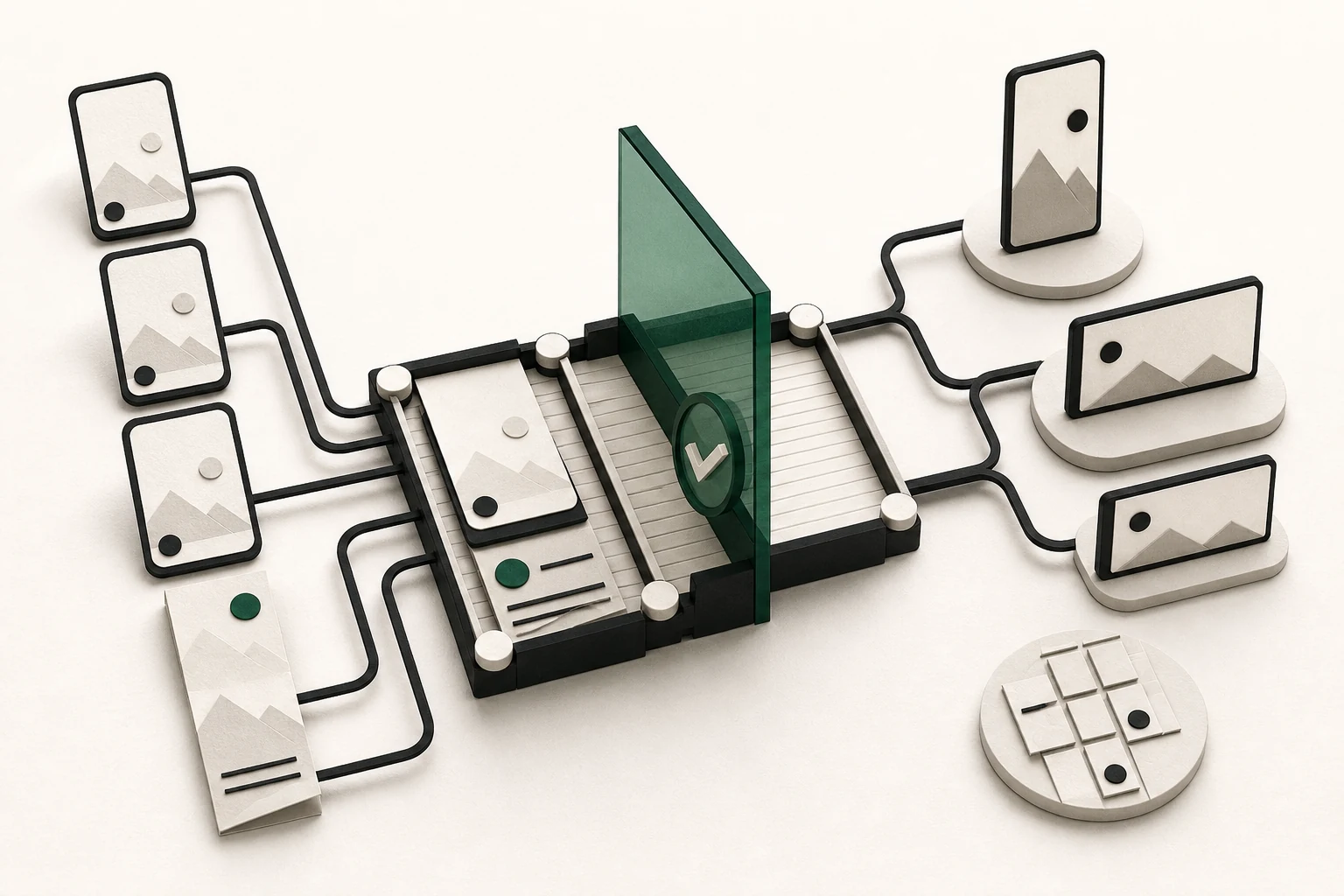
TikTok rewards accounts that keep making things. New campaigns, new creative, honest reporting on what landed. That is steady work, and it is the work a team of AI managers takes off your desk. They work in your own TikTok Ads accounts, they show you every change before it happens, and they never spend on a change you have not signed off.
Connect in a minute
Three steps, and you keep the keys the whole way.
Connect your own accounts
Connect the TikTok Ads accounts you already own from the AdvisorPPC dashboard. There is nothing to export and nothing to install, and there is no separate ad account to open with us.
Pick a default account
Choose which account a request applies to by default, so a question about last week lands where you meant it to. Change the default whenever the work moves.
Stay in charge of the connection
Your managers work on your live account rather than on an export of it, and you can disconnect any time. Your data stays in your account.
What your AI managers do on TikTok
Seven jobs that would otherwise sit on somebody's list all week.
See what is working
Account and campaign performance, your top creatives, and breakdowns by age and gender, by country and by placement. Longer reports are prepared in the background, so asking for a wide date range is a question rather than an afternoon.
Build campaigns and ad groups
Campaigns and ad groups built to your brief, on TikTok only, on Pangle only, or everywhere at once. You read the draft, with its placements and schedule written out in plain words, before anything is created.
Turn videos into ads
Hand your manager a video and it builds the ad around it. The ad is created paused and shown to you first, so you see exactly what would run before it runs.
Spark Ads from real posts
An organic TikTok post can be promoted as an ad using the authorization code its owner generates in the TikTok app. That works for your own posts and for creators you work with, so a post that is already landing can run as an ad without being rebuilt.
Reach the right people
Custom audiences built from the people who already know you, so a launch does not have to start cold every time.
Measure what converts
TikTok Pixel setup and server-side event tracking, so a sale is still counted when a browser blocks the pixel. The numbers your managers optimize against are then the real ones, not the ones that happened to get through.
Keep control
Ads paused or resumed on request, and every change shown to you for approval before it is applied. Budget and bid changes always wait for you. Bounded Auto is optional and limited to reversible changes inside guardrails you set.
Ask in plain English
In Claude, ChatGPT or the AdvisorPPC app. No reports to configure, no fields to learn.
“Which TikTok creatives are carrying the account?”
Your creatives ranked by what they actually returned, with the ones showing fatigue flagged, so you know which clip to replace first.
“Turn our best post into a Spark Ad.”
The post built into a new ad group as a Spark Ad, created paused, waiting for your yes before it spends anything.
“Build a TikTok-only traffic campaign for the fall launch.”
A campaign and ad group drafted with placements and schedule set out in plain words, ready for you to read, change or approve.
“Set up conversion tracking on our checkout.”
The TikTok Pixel and server-side event tracking configured on that page, so a purchase is still counted when a browser blocks the pixel.
“Why did cost per click jump last week?”
The two weeks side by side, broken down by placement and audience, with the likely cause named rather than left for you to spot.
For agencies and enterprises
More accounts, same one place to look.
Many advertiser accounts, one workspace
Connect the TikTok advertiser accounts you manage, say which one a request applies to, and keep the rest out of the way until you need them.
One place to review and approve
Proposed changes queue up for a person to read and approve. Nobody has to go account by account to find out what is waiting.
A written trail of what changed and why
Every applied change is recorded with the reasoning behind it, so a client question about last month has an answer rather than a reconstruction.
TikTok next to Google and Meta
The same conversation covers your Google and Meta management, so a question about where the money should go does not need three separate answers.
Agency is the self-serve multi-account plan on the pricing page, and it activates without a sales call. Enterprise is quote only. See the plans and prices, or ask for an Enterprise quote.
How connections are authorized and what happens to your data is written out on the security page. Read the security page.
Honest limits
The things worth knowing before you start.
FAQ
The questions advertisers ask us most about TikTok.
Yes, you connect your own. Your AI managers work inside the TikTok Ads account you already own, so there is no separate ad account to open with us and no export to keep in sync.
Put a manager on your TikTok account.
Connect the account, ask for the first thing you want built, and read what comes back before any of it runs.