August 31, 2026 · 7 min read
Why Your Google Ads Conversion Numbers Keep Changing
Conversion lag means yesterday's Google Ads numbers are never final. See how lag varies by business type and how to set a reporting window that actually fits.
By the AdvisorPPC Team · Reviewed by Claude
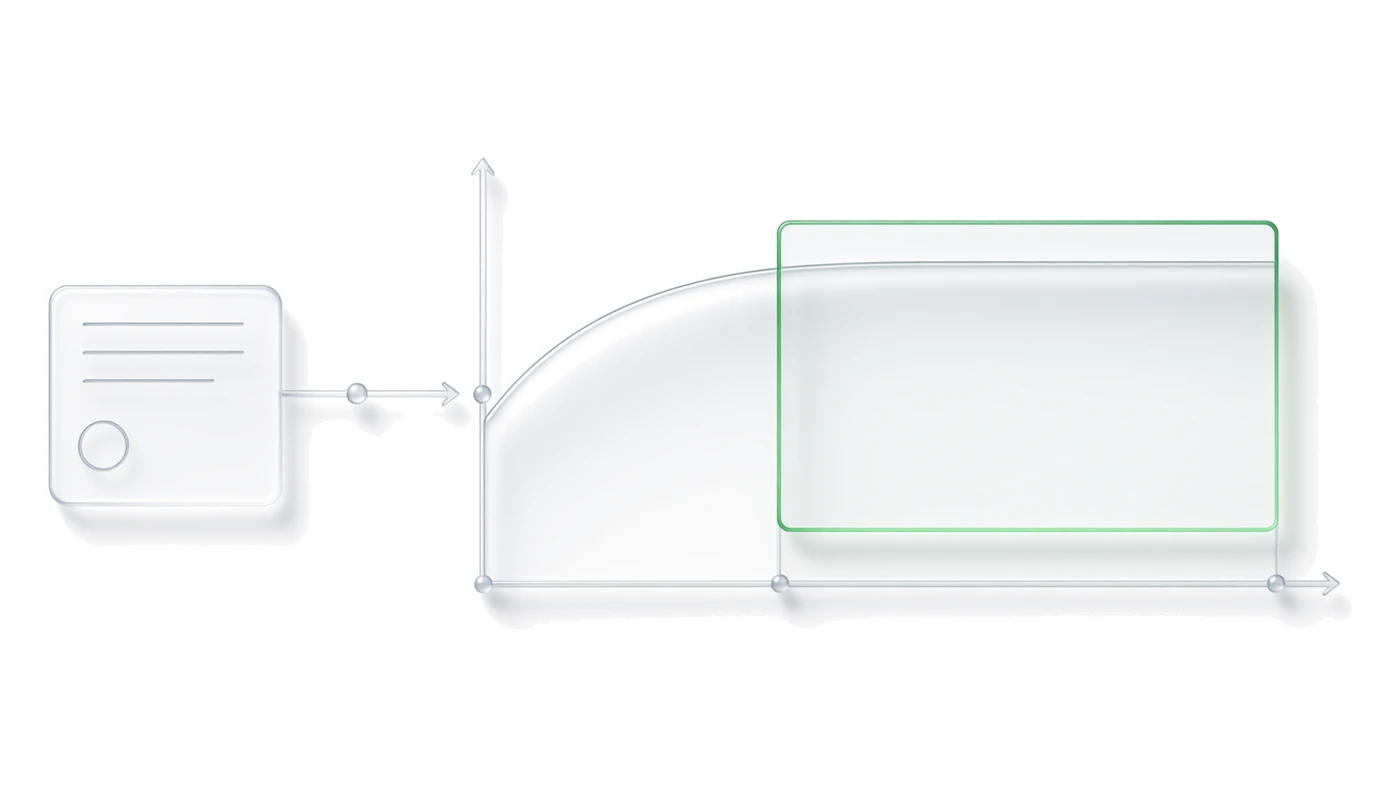
Google Ads records a conversion against the day of the click, not the day the conversion happened, so any total you pull for yesterday, or even last week, keeps rising for days after you first looked at it. The fix is not to wait forever before reporting. It is to know how long your business's conversion lag actually runs, set the conversion window to match it, and build a reporting habit that only judges a day once its lag has cleared.
Why do yesterday's numbers keep changing?
A conversion is attributed back to the click that caused it, so a form submitted today can still get logged against an ad clicked three days ago. The account backfills that history as it happens, which means a number you pulled the morning after is a partial count, not a final one. This is documented account behavior, not a reporting bug.
Google's own explanation of how conversions attach to the original click and how counts update afterward is in the conversion tracking documentation. If a dashboard you built does not account for this, it will always undercount recent days and look artificially strong on older ones by comparison.
What actually causes the lag?
Most lag comes from the gap between the click and the moment the action gets recorded. A lead form filled out at 9pm might not get called and logged as qualified until the next business day. A phone call tracked through a call asset needs the call to happen before it is recorded. Offline data has the longest lag of all, since offline conversion imports often run on a daily or weekly batch from a CRM, and enhanced conversions for leads can only match a record once the backend event fires and gets matched to the original click.
How does conversion lag differ by business type?
- Ecommerce with a short cart: most conversions land same day to two days out, since the purchase decision and the payment happen in one session or a quick return visit.
- Local service leads such as HVAC, plumbing, or pest control: the call or form is fast, but marking it a qualified job can take one to three business days if a human has to call back and book it.
- B2B and high-consideration purchases: the first form fill is only the start of a sales cycle that can run two to six weeks before it is marked won or lost.
- Anything reliant on offline conversion imports: lag is set by how often the CRM export runs, not by the buyer's behavior at all.
How do you choose a conversion window?
The conversion window setting on each conversion action controls how many days after a click Google Ads will still count a conversion. The default is often 30 days, and it can be extended depending on the action type, but a longer window is not automatically safer. Set it to match how long your actual sales cycle runs, using change history or CRM close dates rather than a guess, so the window covers real buyers without also crediting clicks from an unrelated later visit.
This matters most where primary and secondary conversions are mixed in one account, since a lead-stage action and a closed-deal action rarely share the same realistic lag. Google's own reference on how conversion windows are configured per action is in the conversions API documentation, which lays out how the window is applied per conversion action rather than once for the whole account.
What happens if the window is set wrong?
A window that is too short cuts off real conversions before they happen, which starves smart bidding of signal and makes the account look worse than it is performing. A window that is too long keeps crediting stale clicks long after the buyer's decision had nothing to do with that ad, which inflates the numbers for campaigns that happened to run early and get lucky on a later, unrelated visit.
What reporting habit stops managers from reacting too early?
Do not judge a day, or even a week, until it has cleared the account's typical lag. If leads take three business days to qualify, do not react to Monday's raw total on Tuesday morning. A fixed weekly review, like the one covered in the Monday pass routine, works because it compares the same lag-adjusted window every time instead of chasing a number that is still filling in.
It also helps to check which platform's number you are reacting to. Google Ads conversions and GA4 key events can carry different lookback and lag behavior even when they are tracking the same action, so comparing them on the same day without adjusting for that difference will make one look wrong when it is simply counted differently.
Never judge a day's Google Ads performance until it has cleared your business's typical conversion lag. Set the window to match your real sales cycle, then report on a rolling lag-adjusted view instead of a raw daily total.