September 3, 2026 · 8 min read
Filtering Spam Leads in Google Ads Before They Reach the CRM
Why lead volume rises while sales stay flat, how to filter junk at the form instead of the CRM, and which qualifying questions cut spam.
By the AdvisorPPC Team · Reviewed by Claude
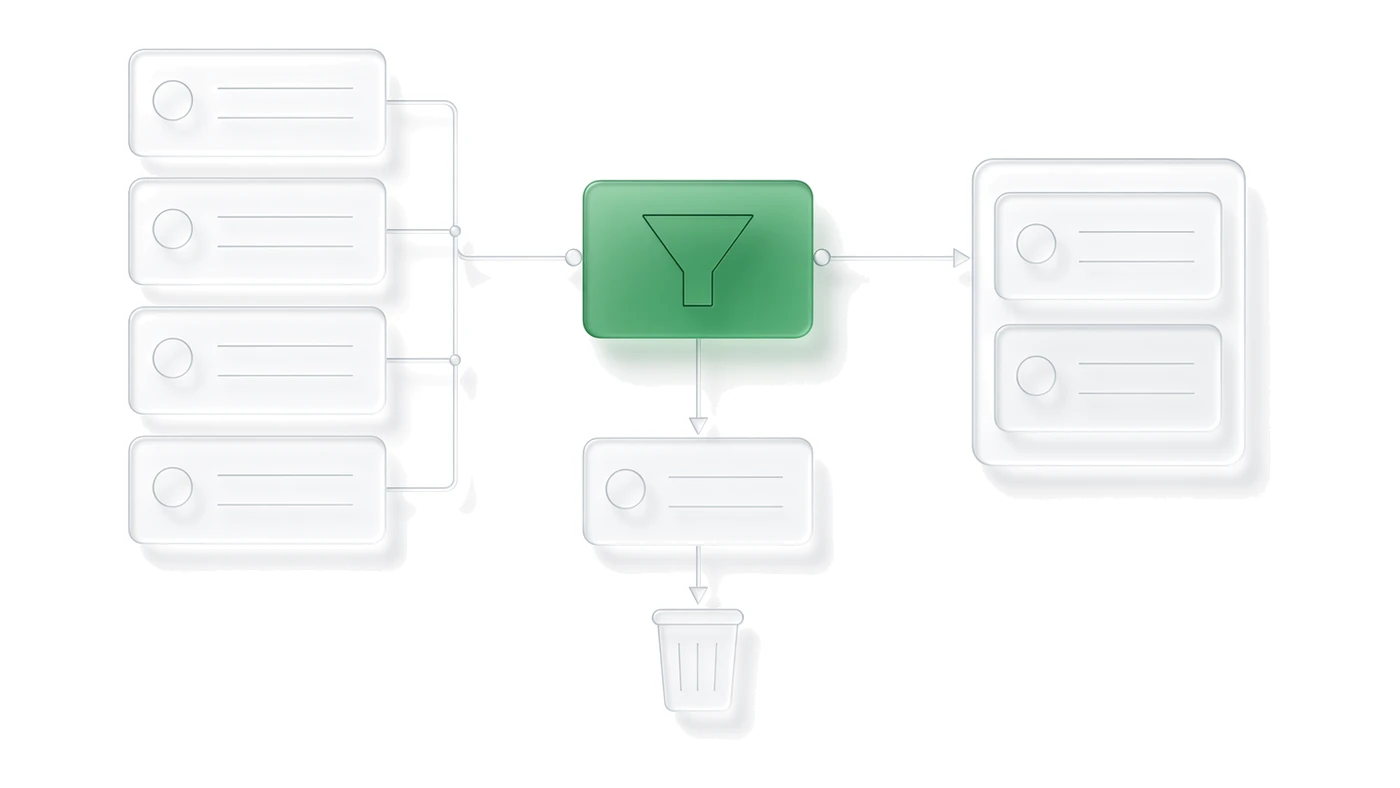
The decision this post settles is where filtering belongs: at the lead form, not after the lead has already been counted as a conversion and handed to sales. Filter at the form and both problems shrink together, the wasted sales-team hours and the bad bidding signal. Filter only in the CRM and Smart Bidding keeps chasing the exact traffic that produced the junk.
Why does lead volume climb while sales stay flat?
Low-friction lead formats are built to remove friction, and removing friction removes the natural filter that used to weed out low-intent contacts. A Google-hosted lead form asset, a Demand Gen form, or a Display form that autofills from a signed-in Google account can be submitted in two taps without the person reading what they agreed to. Volume goes up because the form got easier, not because more real buyers showed up.
This is the same failure mode covered in where wasted ad spend hides: a metric that looks healthy at the campaign level (more leads) can be masking a metric that looks unhealthy everywhere else (the same or fewer sales). Check the two together before crediting the campaign for the volume increase.
Should filtering happen at the form or in the CRM?
At the form, whenever the form format allows it. A required field, a qualifying question, or a verification step stops a low-intent submission before it becomes a conversion event, before it reaches a salesperson's queue, and before it reaches Google as a signal about what a good lead looks like. CRM filtering happens too late on all three counts. The lead has already been logged as a conversion, the rep has already spent time on it, and if that conversion action feeds Smart Bidding, the algorithm has already learned to find more traffic like it.
Google's own guidance on lead form assets covers the fields, verification options, and delivery methods available for filtering at the source. Review the current lead form setup documentation for what each field type actually enforces before assuming a dropdown is doing real qualifying work.
Which lead sources need the most filtering?
Not every surface produces the same junk rate. A Search lead form asset attached to a high-intent keyword tends to collect fewer low-quality submissions, because the person was already typing a specific request. A Display or Demand Gen form reaching someone mid-scroll, with no active search intent, produces more low-effort taps simply because the person was not looking for the business when the form appeared. Weight the filtering effort toward whichever surface is generating the volume, and check junk rate by source before assuming the whole account has the same problem.
This also affects which bidding strategy makes sense. A campaign feeding Smart Bidding with unfiltered form fills is training the algorithm on the wrong outcome for every dollar it spends on the noisier surfaces, which compounds the problem faster than it would on Search alone.
Which qualifying questions cut spam without cutting real leads?
The best qualifying question asks for something a real prospect knows and a spam submission or a careless tap will not supply correctly: a specific service needed, a rough timeline, a property or account detail only a genuine customer would have. A vague field like how can we help you filters nothing, because both a real prospect and a bot can leave it blank or type one word.
- Ask one qualifying question with a small set of specific answer options, not a free-text box.
- Require a phone number field with basic format validation rather than making it optional.
- Avoid asking for information the business does not act on; every extra field is friction, and friction should buy you a real filter, not just fewer submissions.
Compare this against the call assets vs lead form assets decision. A call is self-qualifying in a way a tap-to-submit form is not, which is one reason a business fighting spam leads sometimes gets better results moving budget toward calls instead of trying to patch the form.
What should actually count as a conversion for bidding?
Not every form submission. The conversion action that feeds Smart Bidding should represent a lead the business would actually want more of, which usually means a CRM-confirmed qualified lead, not a raw form fill. Set the raw submission up as a secondary conversion action for visibility, and use a primary conversion action that only fires on the qualified outcome.
Getting this wrong is a direct cause of the volume-without-sales pattern: if every tap-to-submit fill counts as the primary conversion, the bidding algorithm is optimizing toward the exact behavior that produces spam.
How do you feed qualified-only signals back to bidding?
Once the CRM marks a lead as qualified, send that outcome back to Google as an offline conversion so bidding can learn from it instead of from the raw form event. This closes the loop between what the ad triggered and what the business actually valued.
Google's offline conversion import documentation covers the upload format and matching requirements; the practical setup steps are in offline conversion imports. Because the CRM qualification step takes time, also check the conversion counting rules for how a delayed conversion gets attributed back to the original click.
Filter at the form, count only qualified leads as the primary conversion, and send the CRM's qualified outcome back to bidding. A junk submission that never reaches Google as a win stops teaching Smart Bidding to find more junk.